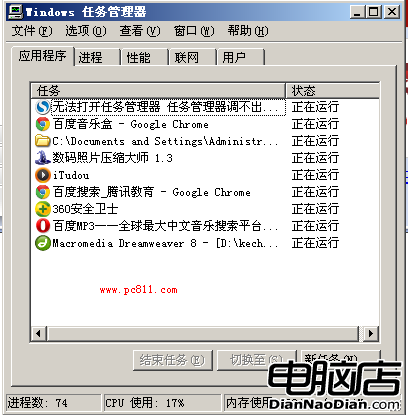
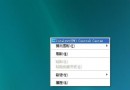
XP 偶發工作列凍結、無法回桌面等輕微假死,不必重開機。3 步驟復活:
explorer.exe
系統瞬間恢復生龍活虎。限制:僅適用輕微假死;嚴重到連工作管理員都叫不出來時,仍得重開機。
Windows XP 系統優化深度問答:啟動加速、磁碟空間與效能提升全攻略
Windows XP 遠端關機實戰:群組原則授權與 Shutdown.exe 圖形化操作
Windows XP 關機故障全方位排解:關機變重開、藍屏、無法斷電、常見衝突裝置
使用 Win PE 重設 Windows XP 遺忘的系統管理員密碼
解決 Windows XP 開機 BOOT.INI 檔案遺失或損壞的完整指南
Windows XP 系統還原點神秘消失?完整解析遺失原因與防範對策
Windows XP 極致優化指南:八大技巧讓老系統跑得更快
Windows XP 系統還原點消失之謎與防護指南