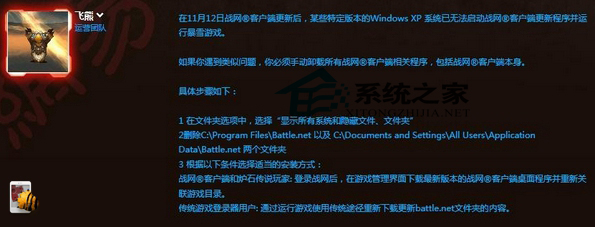
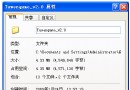
《爐石傳說》更新後 XP 藍畫面無法執行,官方戰網客戶端變更導致舊快取衝突。三招修復:
C:\Program Files\Battle.net
C:\Documents and Settings\All Users\Application Data\Battle.net
有玩家回報刪除 systemsurvey.exe 也能解決,可嘗試。核心邏輯:清除舊版戰網殘留檔案,強制全新部署客戶端。
systemsurvey.exe
WinXP 快速啟動列圖示不見了?工作列屬性一鍵恢復顯示
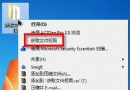
WinXP 顯示/隱藏副檔名設定教學:資料夾選項一鍵切換、修改副檔名風險提醒
WinXP 修改開機歡迎音樂?將喜愛音樂放入 C:\Windows\Media 並透過音效設定套用
英文版 Windows XP 顯示中文亂碼完整解決方案
微軟應延長 Windows XP 支援的 10 大理由:市佔率、企業成本與新興市場
WinXP 系統磁碟空間管理指南:C 槽瘦身、自有資料外移、軟體安裝非系統盤、桌面清理四大策略
Windows XP 搜尋功能失效六大修復法:jscript.dll 重註冊、explorer.exe 重啟、多 DLL 修復、登錄檔修正、批次檔修復 msxml3、建立新用戶
WinXP 如何優化網路連線速度與雙工模式?網卡進階設定固定 100Mbps 全雙工