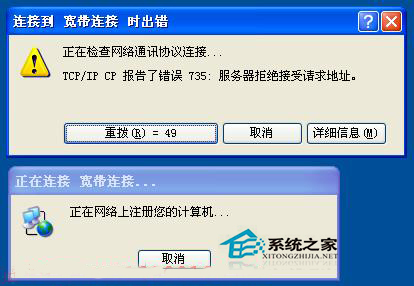
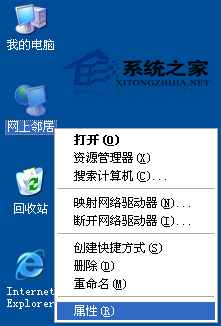
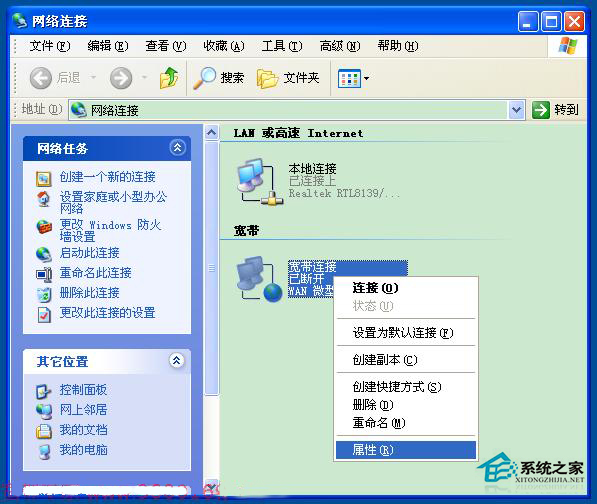
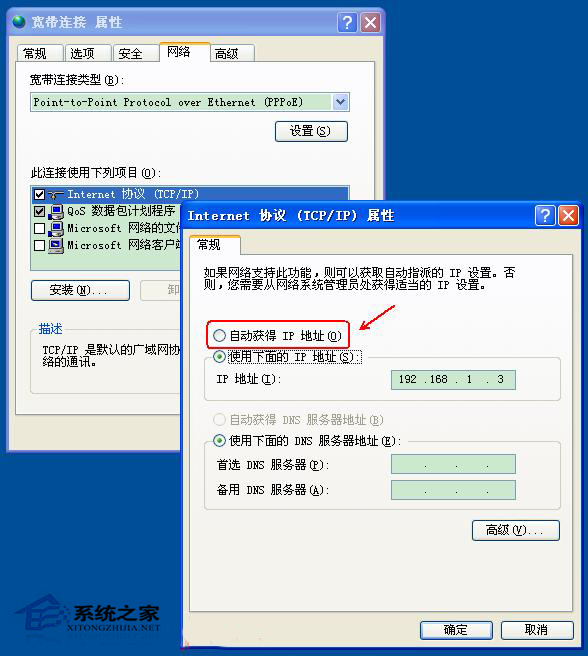
錯誤 735 原因單純:寬帶連線內容「網路」頁籤 → 「網際網路通訊協定 (TCP/IP)」內容中,手動指定了 IP 位址,導致伺服器拒絕協商。
PPPoE 撥號本質是動態協商,手動指定 IP 反而阻礙連線。若仍失敗,重建連線可強制重置協定設定。
Linux halt 指令參數完整解析:關機、重開機、不寫入紀錄、強制關機等進階用法
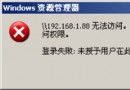
WinXP共享存取被拒?解決「未授予登入類型」錯誤
Excel VBA 實現「輸入數字自動轉文字」:部門代碼 1→一車間、2→二車間…錄入效率倍增
掃描儀無法識別 USB 連接埠?BIOS 設定、供電不足、驅動衝突三大主因速解
關閉不必要的 Windows XP 服務,讓系統跑得更順暢
XP 插入 USB 隨身碟無磁碟代號?磁碟管理修改代號即可解決 (圖解)
WinXP 網路共享與存取疑難雜症完整解決方案
XP系統如何徹底清除電腦使用痕跡?瀏覽器紀錄、最近文件、剪貼簿、執行紀錄全清理