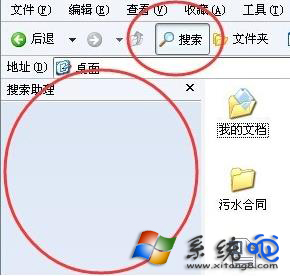
XP 「開始」→「搜尋」無反應或找不到檔案,常因 jscript.dll 等系統元件註冊失效或程序卡死。提供四種修復方案:
Win+R → regsvr32 jscript.dll → 重開機。
工作管理員結束 explorer.exe → 新增工作輸入 explorer.exe 重啟。
命令提示字元依序執行:
regsvr32 jscript.dll
regsvr32 vbscript.dll
regsvr32 mshtml.dll
完成後重開機。
regedit 開啟登錄編輯器。HKEY_CURRENT_USER\Software\Microsoft\Windows\CurrentVersion\Explorer\CabinetState。Use Search Asst = NO。方案一與三成功率最高,建議優先嘗試。