Windows XP Windows 7 Windows 2003 Windows Vista Windows 綜合教學 Linux 系統教學
Windows 10 Windows 8 Windows 2008 Windows NT Windows Server 電腦軟體教學

WinXP 執行 GTA IV 出現致命錯誤?三步驟解決

編輯:Windows XP 系統介紹

錯誤訊息

GTA IV FATAL ERROR: Windows XP: Need to have Service Pack 3 or higher to proceed 2

意即:「俠盜獵車手 IV 發生致命錯誤:Windows XP 必須安裝 Service Pack 3 或更高版本」。
GTA IV 錯誤畫面

原因分析

GTA IV 為較新大型遊戲,依賴 Windows XP SP3 引入的核心 API 與安全性更新。舊版 XP(SP2 或以下)缺乏必要的系統元件,導致遊戲啟動失敗。

解決方案(不重灌系統)

  1. 安裝 Windows XP SP3
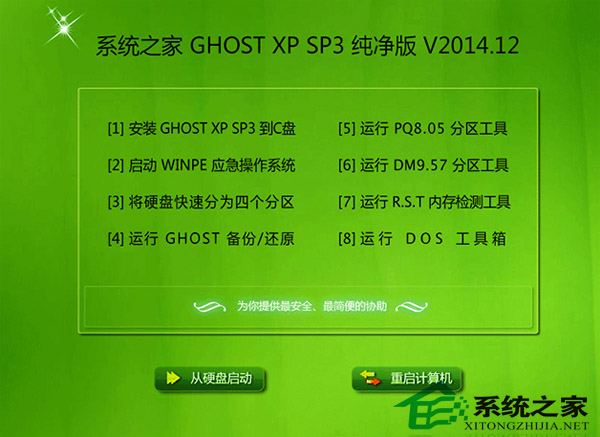
    下載官方 SP3 更新包(或使用整合 SP3 的 Ghost XP 純淨版)進行升級。
  2. 更新 Windows Live
    遊戲需呼叫 Windows Live 服務,請下載最新版 Windows Live Essentials 並安裝。
  3. 重新安裝遊戲(需聯網)
    完成上述兩步後,重新安裝 GTA IV 並確保安裝過程可連線網路(驗證與下載補丁)。

長遠建議

Windows XP 已於 2014 年停止支援,缺乏安全更新。若硬體允許,建議升級至 Windows 10/11 以獲得更佳相容性與安全性。本站提供完整 Win10 教學專區 供參考。

Copyright © Windows教程網 All Rights Reserved