透過登錄調整可大幅提升 Vista 系統安全性,三大實用技巧:
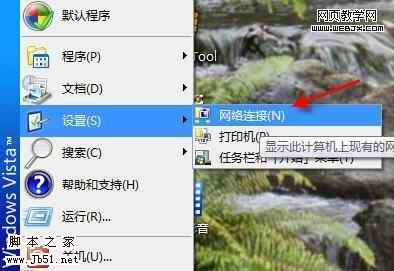
HKEY_CURRENT_USER\Software\Microsoft\Windows\CurrentVersion\Policies\Explorer 新建 DWORD NoControlPanel=1。重新登入後控制台消失,右鍵電腦屬性提示受限。
同路徑新建 DisallowCpl=1 及子鍵 DisallowCpl\1 = "intl.cpl",隱藏「地區及語言選項」;其他項目正常顯示。
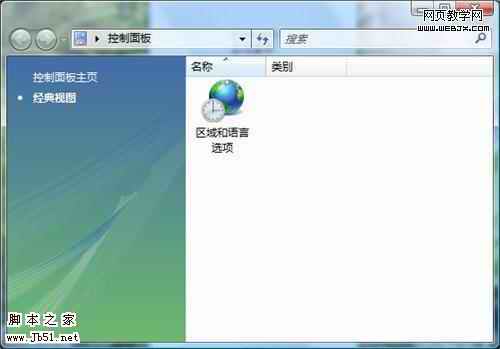
同路徑新建 RestrictCpl=1 及子鍵 RestrictCpl\1 = "intl.cpl",控制台僅顯示「地區及語言選項」,其他全部隱藏。
修改後需重新登入或重開機生效。適合企業/學校電腦管理,防止使用者亂改設定。