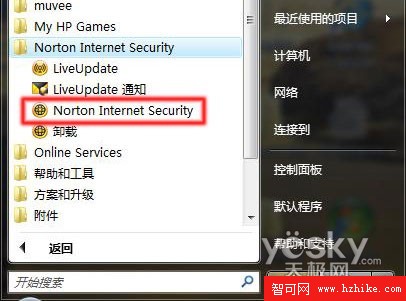
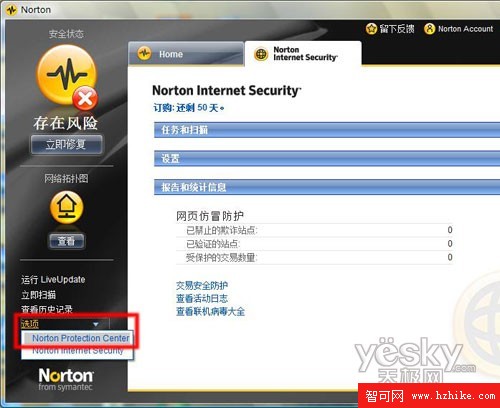
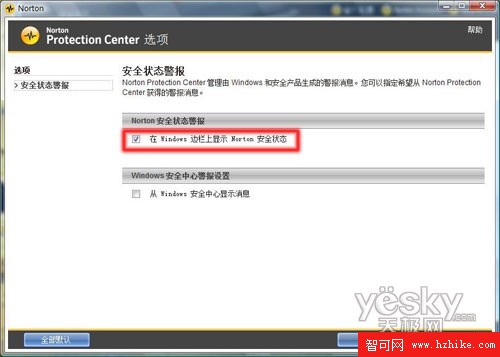
無需開啟 Norton 主介面,一眼即知病毒定義更新狀態、防火牆、自動保護等關鍵防護是否正常運作。
TeraCopy 2.01 Final:極速檔案複製/移動工具完整評測
中文版 Vista 線上更新 SP1 完整攻略:註冊表修改法繞過語言限制
Windows Vista SP1 改進功能全景圖:硬體支援、可靠度、效能、安全四大面向深度解析
Windows Vista 加速優化七大絕招:開機、關機、網速、視覺效果全面提升
透過登錄封鎖 USB 寫入功能 防止 Vista 資料外洩
Vista 系統 IE 7.0 頻繁自動關閉?兩招輕鬆解決瀏覽器當機問題
修改登錄鎖定 Vista 桌面背景 重開機自動還原防竄改
Windows Vista 無法辨識數位相機?同樣解法:切換至 PTP 模式