微軟官網申請 Windows Server 2008 試用序號的流程對英文不熟的使用者較有挑戰。本文提供繁體中文詳細步驟,助你順利取得可使用至 2008 年 6 月 30 日的序號(未啟用僅能試用 30 天)。長期研究測試者建議申請正式序號以免過期無法使用。
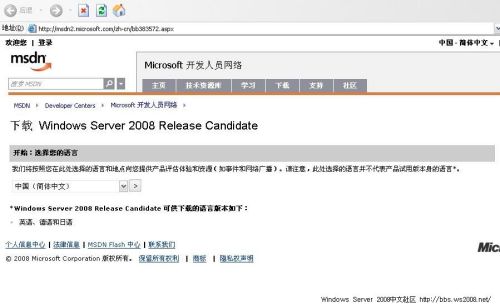
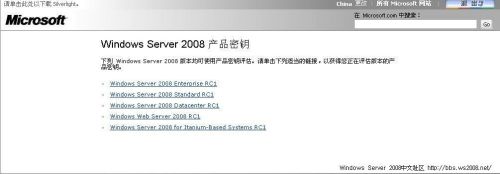
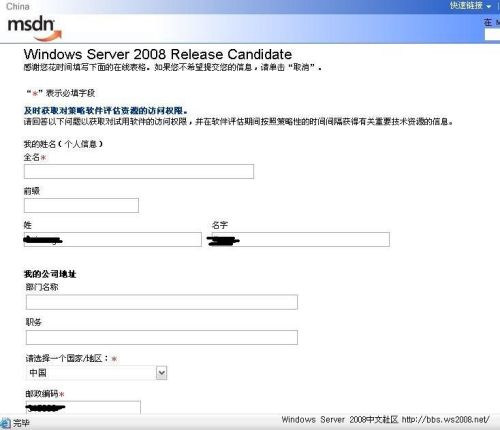
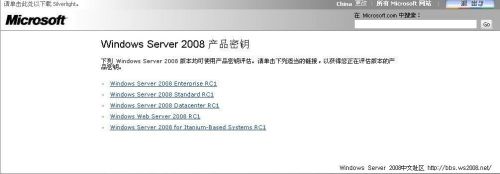
提醒: 本文撰寫時點為 2008 年初,微軟官網頁面與流程可能已變更,請以官網最新介面為準。
Windows Server 2003 DHCP 服務部署全攻略:從安裝到租約優化
Windows 2000 系統優化指南:檔案系統、效能、日誌與元件精簡
Windows Server 2003 十大實用技巧:虛擬記憶體、自動登入、IE 安全、關機理由、建立用戶、XP 主題、磁碟檢查、音效加速、移除 IE 增強安全
Windows Server 2003 系統優化九大實用技巧
善用「管理工具」優化 Windows 2000/XP:磁碟分區、使用者設定檔修復實戰
Windows Server 2003 核心系統管理實務:DNS 配置、終端服務授權與網路設定全攻略