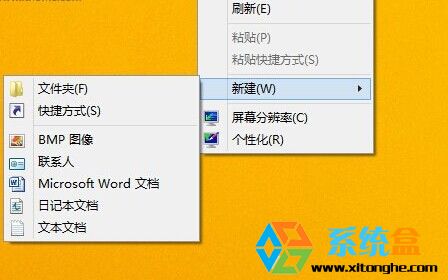
Windows 8.1 原版安裝後桌面僅有回收站,無 IE 圖示。提供兩種建立法:
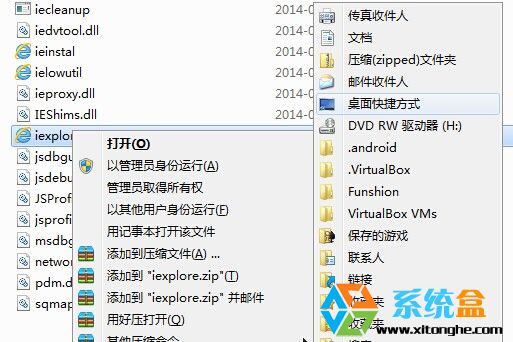
Program Files\Internet Explorer
iexplore.exe
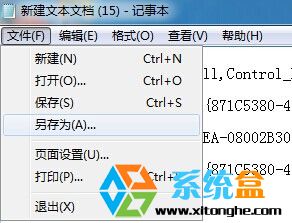
{871C5380-42A0-1069-A2EA-08002B30301D}
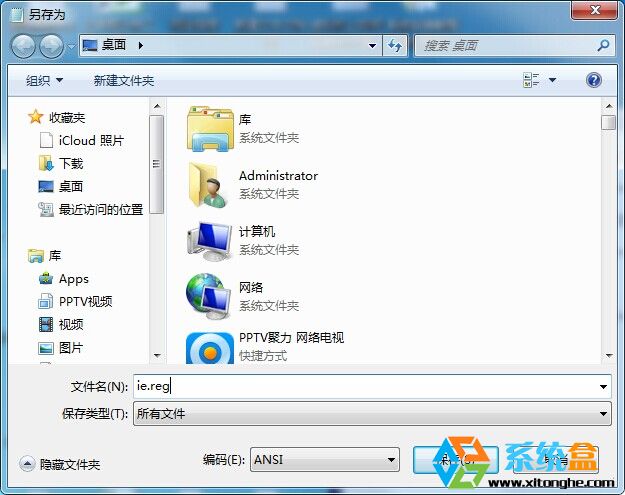
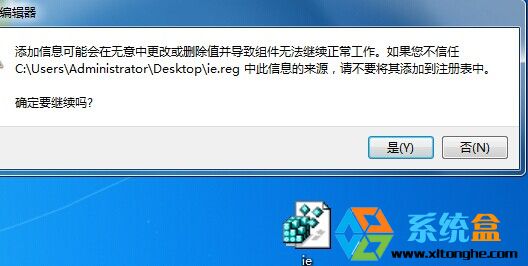
IE.reg
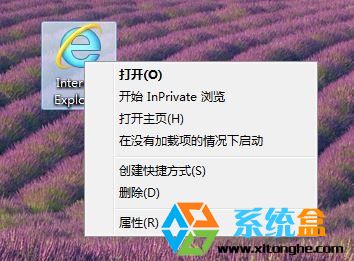
方法二產生的圖示右鍵含「開啟首頁」「無增益集模式」「內容」等完整選單,強烈推薦。
360 C槽搬家 + 系統瘦身:Win7 64位旗艦版 C槽從 50GB 瘦身實戰
Win10 Build 10074 更名「Insider Preview」:RTM 版本指日可待
Windows 7 開始選單「所有程式」消失?群組原則一鍵找回
Win10 Defender 任務列圖示怎麼隱藏?停用啟動項即可隱藏不影響防護
Win10 如何開啟遠端桌面連線?搜尋與指令兩種快速方法
重裝 Windows 7 提示「Windows 無法完成安裝」解決方案
Windows 10 Build 9879 即將推送至 Slow Ring:任務列搜尋/工作檢視可隱藏、OneDrive 選擇性同步、觸控手勢、MKV 原生支援等大量改進
Windows 8 內建行事曆應用程式同步 Google 行事曆教學