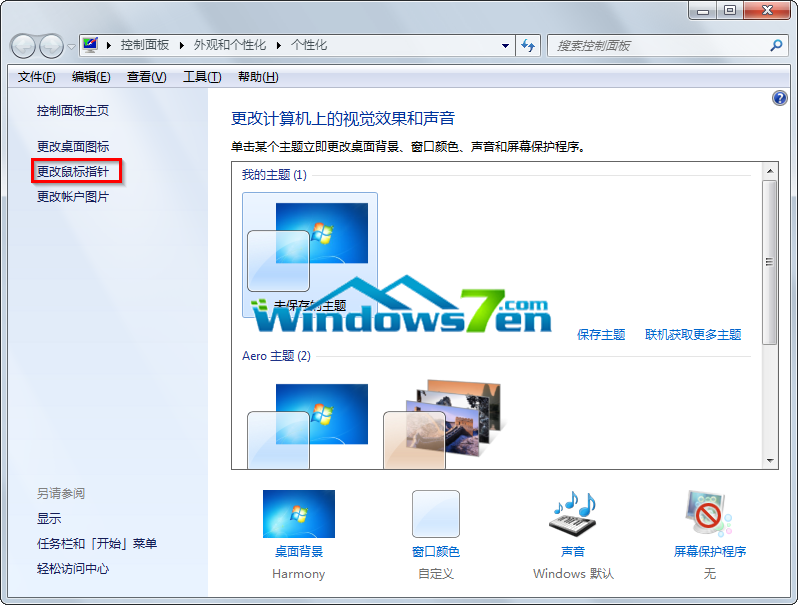
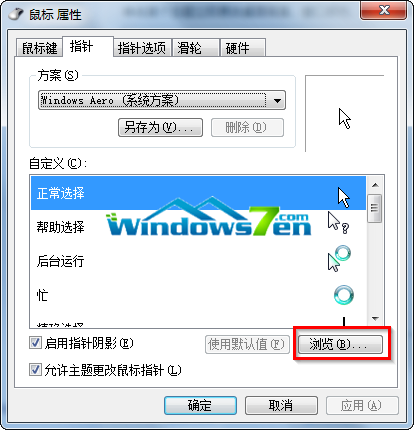
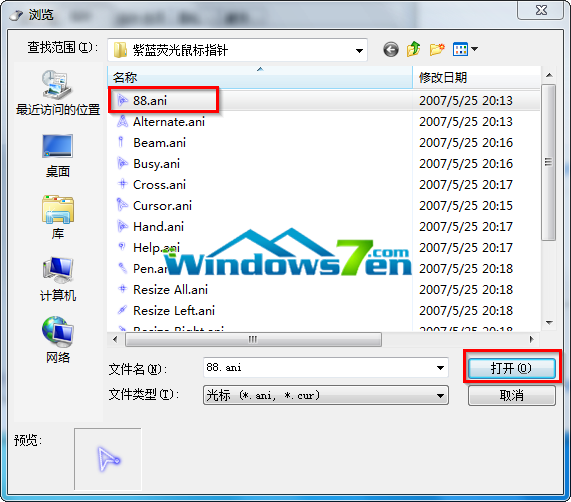
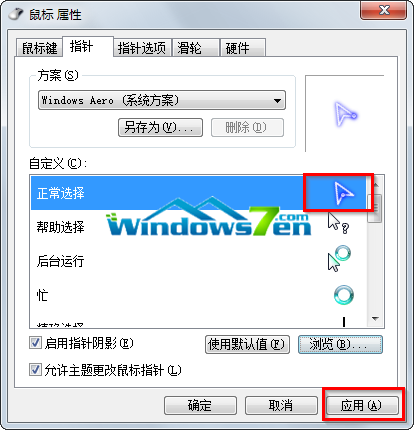
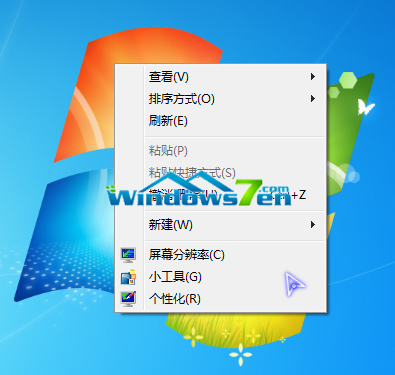
厭倦預設白色箭頭?Windows 7 內建滑鼠指標變更功能,讓您輕鬆套用下載的 .cur/.ani 指標檔。以下以「紫藍螢光」指標為例示範完整流程。
Purple_Blue_Glow.cur
若想換回原廠指標,在「滑鼠屬性」視窗點選 「使用預設值」 即可一鍵還原。
Windows 8 進階隱藏術:將檔案藏入圖片中(附註冊表指令法)
Win10 執行魔獸世界等遊戲卡頓/掉幀/掉線?關閉或移除 Xbox Game DVR 即可解決
Win10 應用商店測試版上架深色主題:註冊表啟用、移除底線、新增自動更新與無障礙設定
Win10 如何徹底刪除檔案防止復原?使用 cipher 指令擦除可用空間
Windows 8.1 設定預設程式完整教學(以瀏覽器為例)
Win7 關閉智慧卡服務教學(本地群組原則)
Win10 正式版發布在即,藍牙協議通過 SIG 認證
微軟公布 Win10 通用商店更新:暢銷排行、應用內購顯示、折扣標示、開發者作品集、簡化購買流程