一般隱藏檔案/資料夾易被搜尋發現。進階做法:用 copy /b 指令將檔案合併進圖片,外觀仍是圖片,雙擊開啟圖片,重命名為原副檔名即可存取檔案。
copy /b
regedit
copy /b d:\file\img0.jpg + d:\file\Win8.docx d:\file\img0.jpg
Win8.docx
適用文件、試算表、簡報等多種格式。五步驟完成高階隱藏,旁人難以發現。
Windows 7/8.1 透過 Windows Update 直接無縫升級至 Windows 10 Build 9926 教學
Win8 登入 QQ 後不想自動登入 QQ 寵物?取消登入設定中的自動啟動選項
Windows 10 當機怎麼強制重啟?Ctrl+Alt+Del 緊急重啟法
Windows 7 開啟登錄編輯器(regedit)的三種方法
Windows 10 找回經典「Windows 相片檢視器」開啟圖片
Win10 更新後藍屏重開機?進入安全模式解除安裝最新補丁即可恢復
电脑管家检测内存小于 2GB 无法升级 Win10?进 BIOS 开启 CPU 特性或换硬件
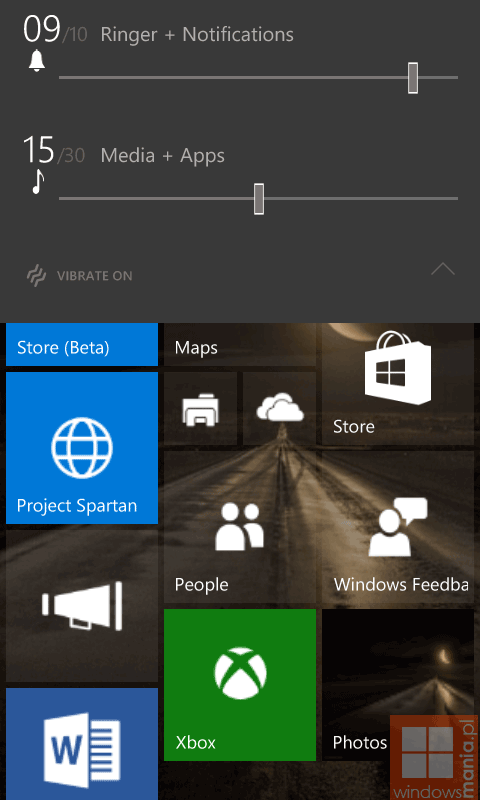
Windows 10 技術預覽版深度評測:免費升級、Spartan 瀏覽器、Cortana 整合三大亮點