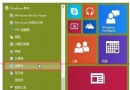
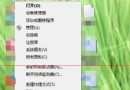
Win10 取消了開機狂按 F8 進入安全模式的傳統方式。最常用的替代方案是透過系統設定 (msconfig) 設定「安全開機」,重開機後自動進入安全模式。

Win10 安全模式進入方法示意圖
操作步驟
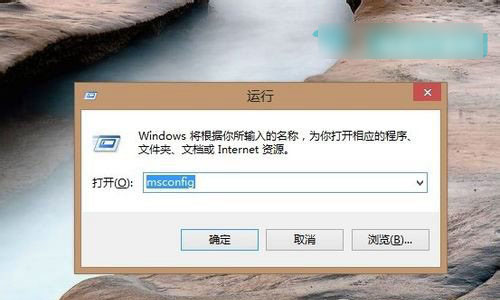
- 按 Win+R → 輸入
msconfig → 確定。
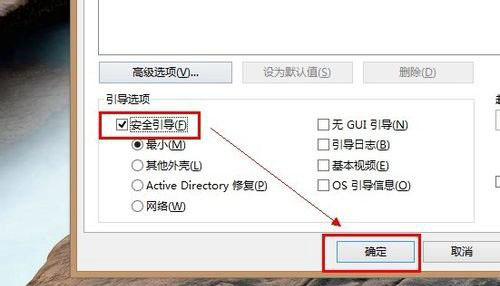
- 切換「開機」索引標籤 → 勾選「安全開機」 → 選擇「最小」(僅載入核心服務與 GUI,無網路)→ 確定。
- 重新開機即自動進入安全模式。
安全開機選項說明
- 最小:僅核心服務 + GUI,禁用網路。
- 替代 Shell:最小 + 命令提示字元,禁用網路/檔案總管。
- Active Directory 修復:核心服務 + AD + 檔案總管。
- 網路:核心服務 + 檔案總管 + 網路啟用。
完成排除後,重複上述步驟取消勾選「安全開機」即可恢復正常開機。安全模式是排除藍畫面、驅動衝突等疑難雜症的利器。