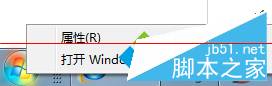
UEFI 啟動模式下 Secure Boot 關閉會導致桌面右下角出現水印。開啟 Secure Boot 卻無法進入系統。解決方法是在 BIOS 中安裝原廠預設金鑰。
操作步驟
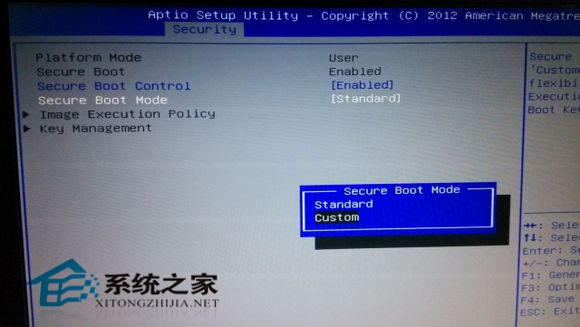
- 進入 BIOS,找到 Secure Boot Mode → 改為 Custom。
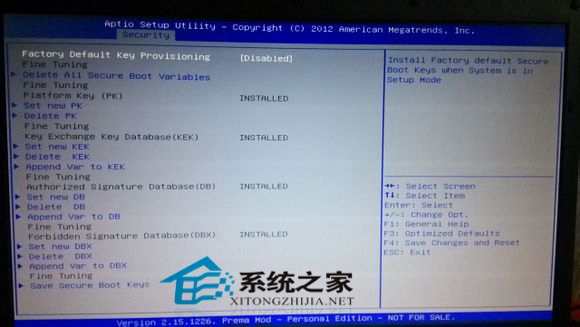
- 進入 Key Management → 選擇 Install All Factory Default Keys → 確認 Yes,各項顯示 Installed。
- 將 Secure Boot Mode 改回 Standard,儲存離開重開機。
- 桌面水印消失,Secure Boot 正常啟用。
操作需進入 BIOS 設定,各主機板介面略有不同,請參考主機板手冊對應選單名稱。