Win8/8.1 安裝 ANSYS 易因缺少必要元件失敗。本教學涵蓋元件準備至授權安裝全流程:
準備工具與檔案
- ANSYS 安裝前必備元件包(百度網盤)
- ANSYS 14.5 或 15.0 安裝映像 (Disk 1/2)
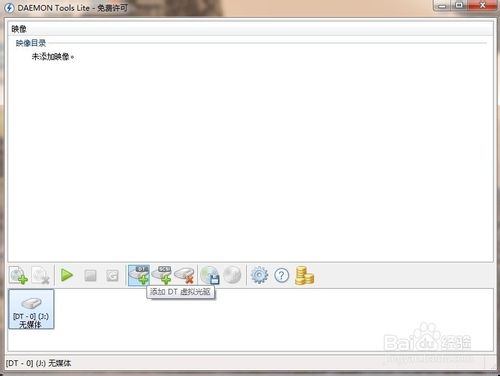
- 精靈虛擬光碟 (Daemon Tools Lite)
安裝步驟
- 關閉防毒軟體避免攔截安裝指令。
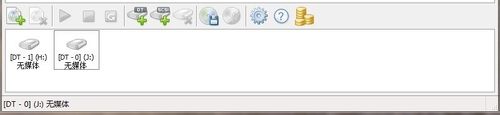
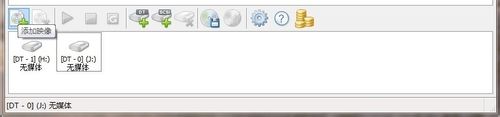
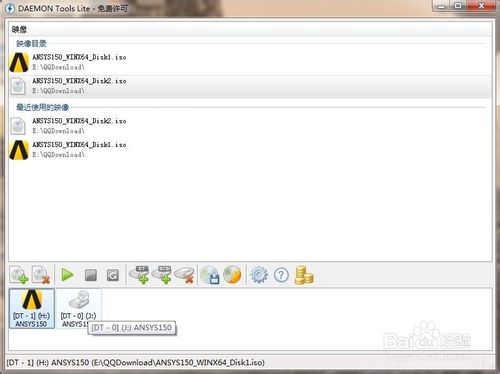
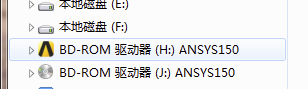
- 虛擬光碟掛載 Disk 1 與 Disk 2 (指派 H:/J: 盤符)。
- 安裝「ANSYS 安裝前必備元件」包。
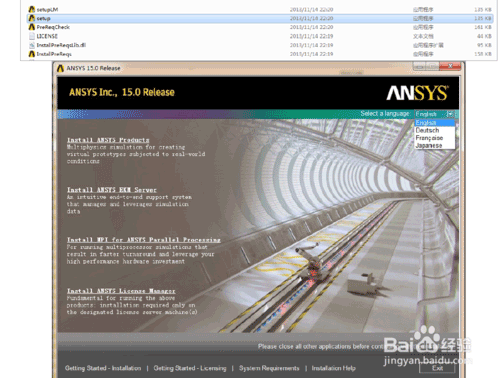
- 執行 Disk 1
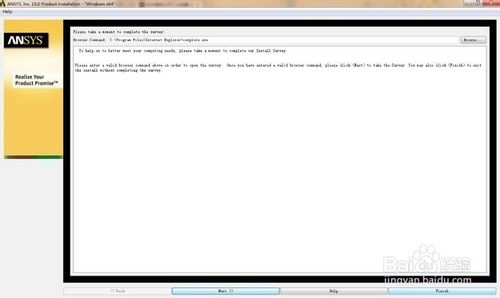
setup.exe → 選擇英文 → 「Install ANSYS Products」→ 功能全選(含模型介面) → 完成安裝 (約 20-30 分鐘)。
- 安裝授權管理器與授權檔(詳細步驟見原文)。
核心關鍵: 必須先安裝必備元件包,電腦名稱需正確,否則授權與求解器將異常。