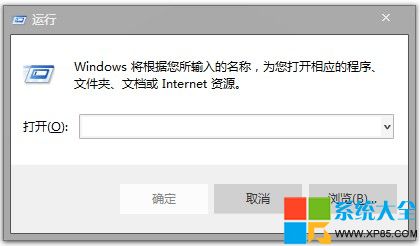
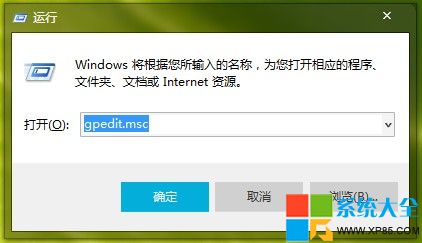
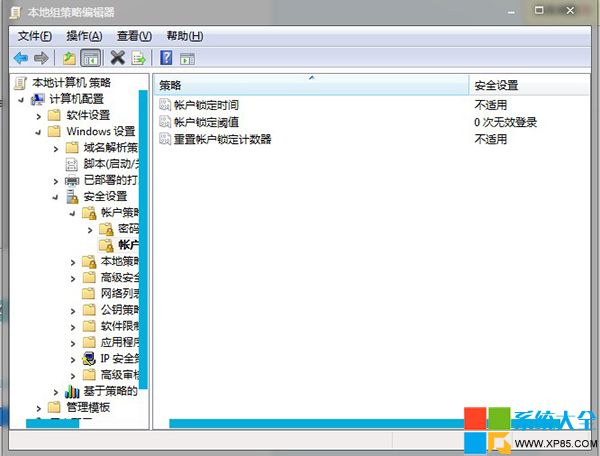
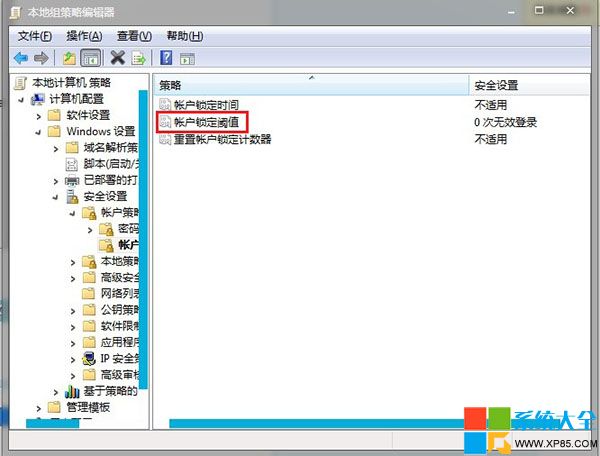
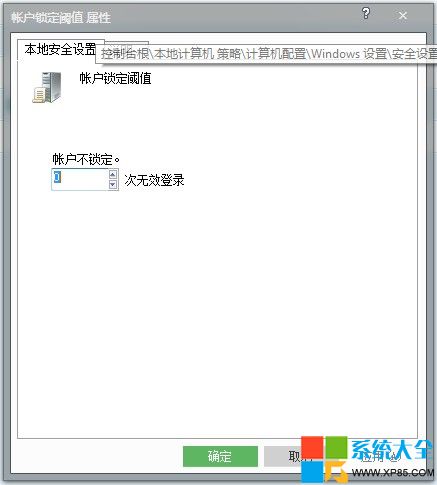
Win7 專業/旗艦版可透過群組原則編輯器設定密碼錯誤鎖定:
gpedit.msc
此法與本地安全性原則 (secpol.msc) 效果相同,群組原則適用於企業批次部署。
Windows 10 Build 10163 截圖曝光,確認屬 winmain 分支非公開預覽版
Windows 8.1 磁碟分區教學:磁碟管理壓縮磁碟建立新簡單磁碟區圖文詳解
Windows RT 重置登入密碼教程:Shift + 重啟進入修復模式初始化
Windows 7 絕對不能關閉的 6 大核心服務清單(附風險說明)
Windows 環境下使用 cwRsync 實現文件同步完整指南
Win10 週年更新 KB3201845 累積更新修復內容完整彙總
Win10 虛擬記憶體設定指南:自動管理 vs 手動固定大小 (建議 1.5-3 倍實體記憶體)
Windows 7 任務管理員無法結束程序?用指令強制終結進程