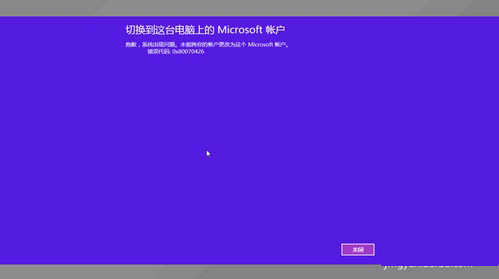
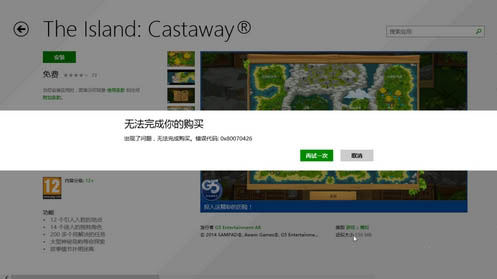
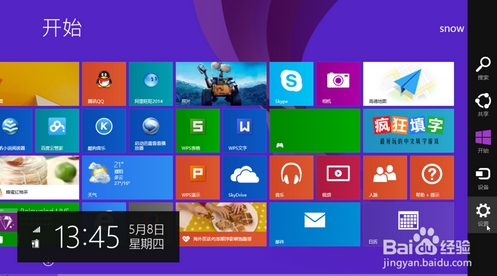
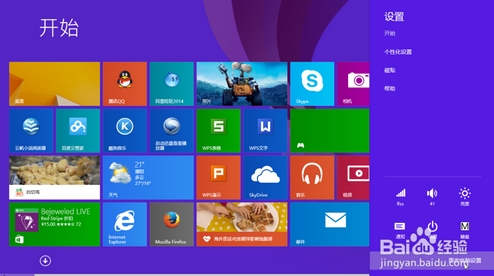
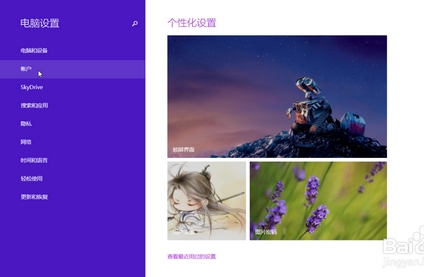
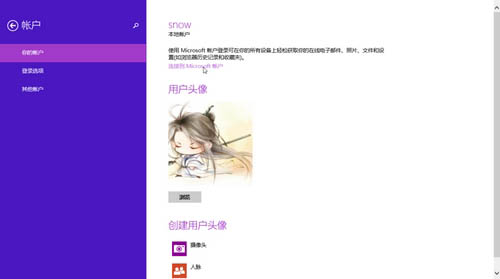
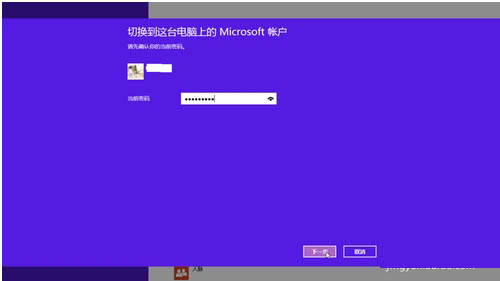
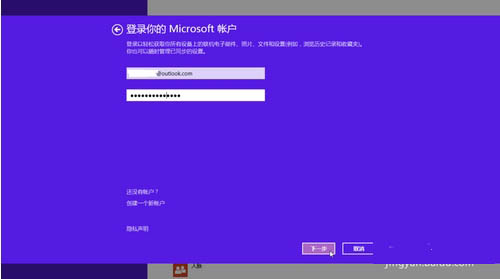
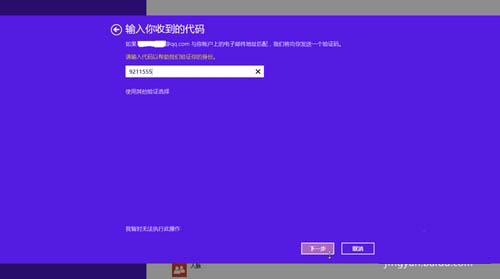
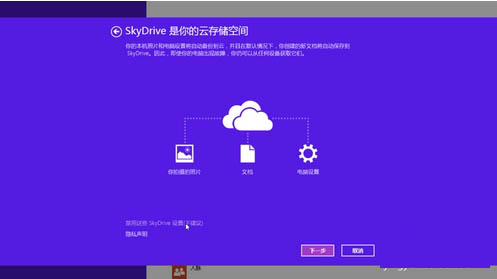
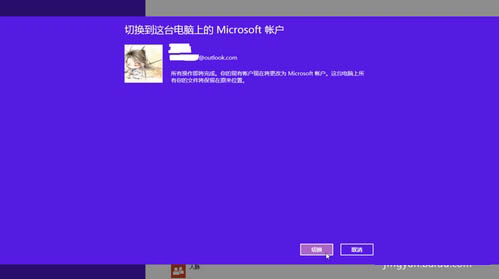
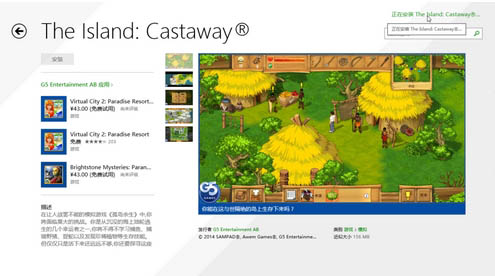
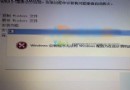
全新安裝 Win8.1 後使用應用商店出現錯誤碼 0x80070426 無法安裝應用,主因為未登入 Microsoft 帳戶(僅使用本機帳戶)。切換為 Microsoft 帳戶登入即可解決。
0x80070426
完成切換後,應用商店即可正常購買/下載應用。
Windows 10 關閉語音辨識功能教學:阻止開機自動啟動的完整步驟
升級 Windows 10 Build 9926 必讀:Build 9879 用戶須先安裝 KB3025380
Windows 10 Build 10025 Edge 瀏覽器功能升級:影片全螢幕播放、設定分頁、釘選面板
Windows 群組原則編輯器 (gpedit.msc) 開啟方法與檔案位置
Win10 Build 9860 大幅強化觸控體驗:虛擬鍵盤自動彈出、邊緣手勢操作
Windows 10 預覽版開始選單無回應 群組原則啟用內建管理員核准模式
Windows 7 關閉自動更新:避免佔用 C 槽空間與頻繁重開機
Win8 隱藏控制台指定項目:群組原則「隱藏指定的控制台項目」設定