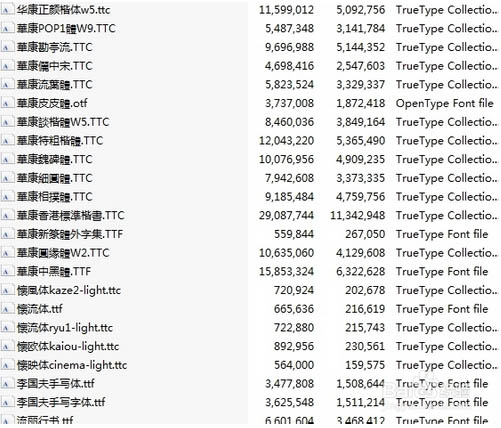
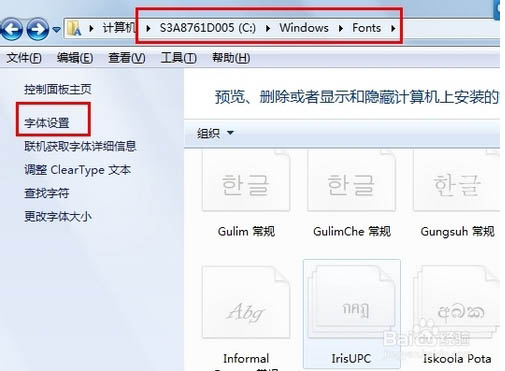
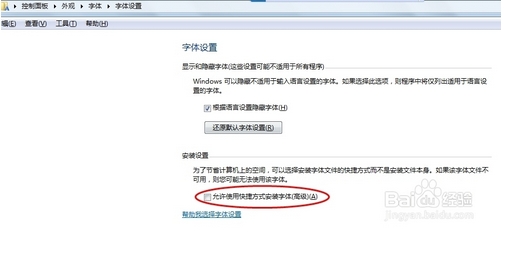
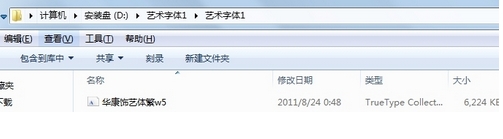
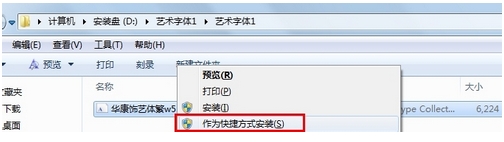
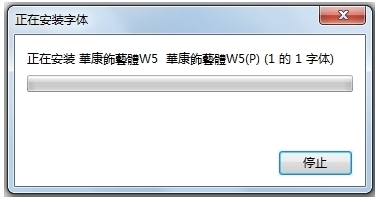
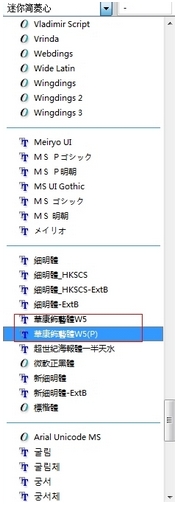
Windows 7 預設字體安裝至 C:\Windows\Fonts,佔用系統碟空間。本文教您啟用「允許使用捷徑安裝字體」選項,將字體檔案留在其他磁碟 (如 D 槽),僅在字體資料夾建立捷徑,達到安裝字體不佔 C 槽的目的。
C:\Windows\Fonts
此法適用於 C 槽空間緊張的用戶,字體檔案實際儲存在原位置,系統僅建立參考捷徑。
Win10 輸入法顯示「IME 已停用」無法輸入中文?啟用 MsCtfMonitor 即可修復
Win10 禁止背景應用程式執行:隱私權設定一鍵關閉節省資源
Win7 看網頁影片出現綠畫面?關閉 Flash 硬體加速即可解決
Windows 8 任務列還原至螢幕底部的完整設定教學
Windows 7 手動優化:關閉虛擬記憶體、休眠模式、系統還原釋放資源
Windows XP 開機卡在「Windows 正在啟動」畫面?啟用 Event Log 服務即可解決
Win10 发布首日全球网络流量飙升 35%,Akamai CDN 从容应对未崩溃
Win7 64 位元安裝 Dreamweaver CS6 出現 0xc000007b 錯誤?完整破解安裝教學