Win10 繼承 Windows 內建壓縮工具,無需安裝第三方軟體即可處理 .zip 檔案。
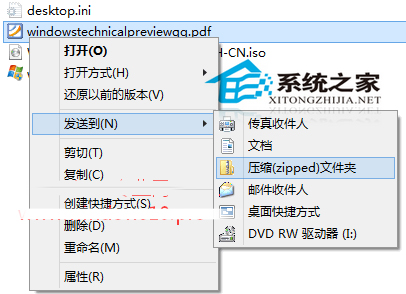
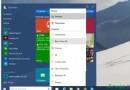
檔案/資料夾右鍵 → 「傳送給」→「壓縮 (zipped) 資料夾」→ 同目錄生成同名 .zip 檔。
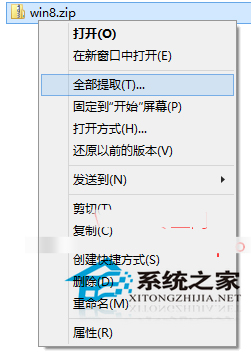
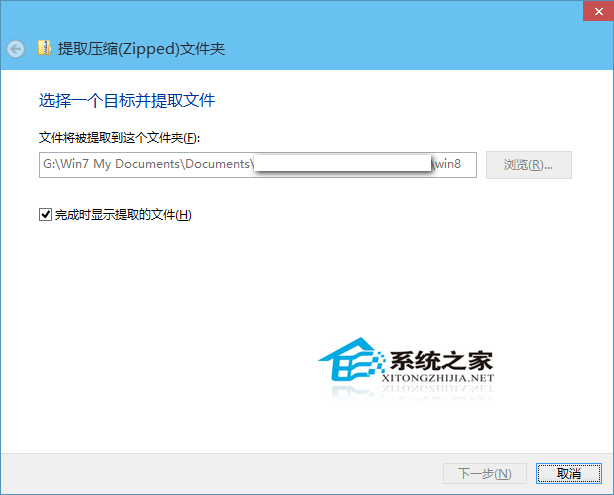
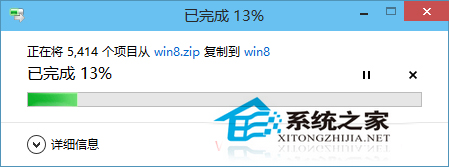
Win10 解壓指令改為「全部解壓縮」,操作邏輯與 Win7 略異。若習慣第三方工具(如 2345 好壓)亦可繼續使用。
Win7 解決 ADSL 斷線問題:關閉「閒置自動斷線」設定
Windows 10 KB3074681 補丁導致檔案總管崩潰 解決與替代方案
Win10 Mobile 預覽版第三方 App/遊戲不相容?官方建議勿升級,等待正式版與開發工具成熟
Win7系統提示「此Windows副本不是正版」快速解決方案
Windows 10 承諾卻遲未上線的六大功能深度盤點
Win10 10159 變更預設瀏覽器:設定 → 系統 → 預設應用程式 → 瀏覽器
Win10 9926 無法存取區域網路共享?安全機制封鎖無密碼存取,解決方案:為共享資料夾設定帳號密碼
如何查看 Win7 產品金鑰?光碟盒、系統屬性、第三方工具三法