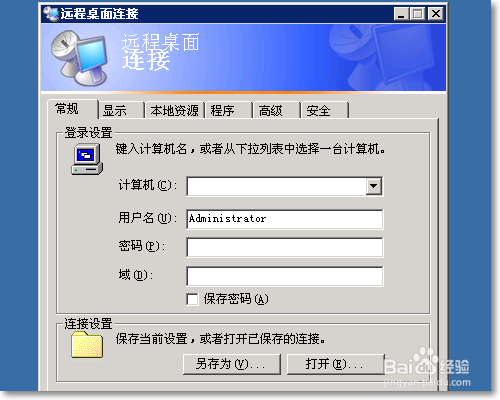
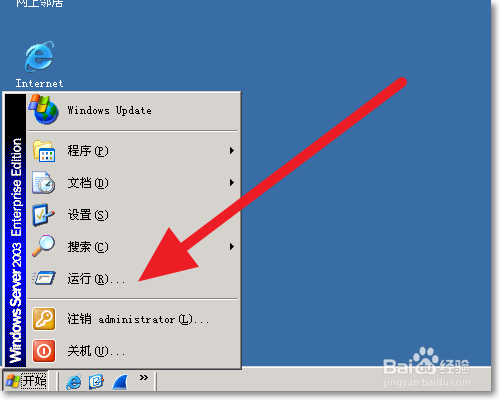
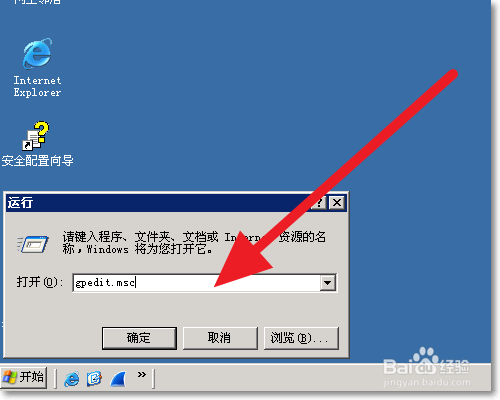
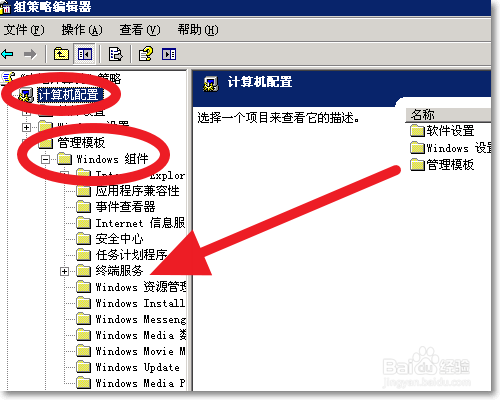
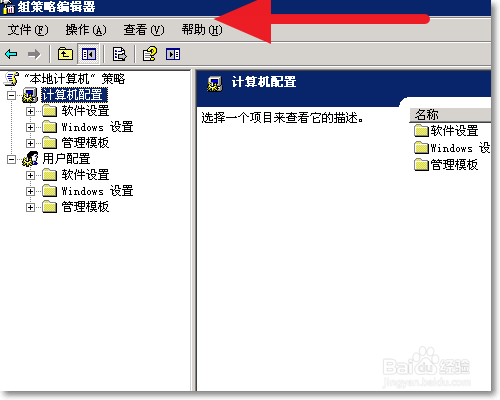
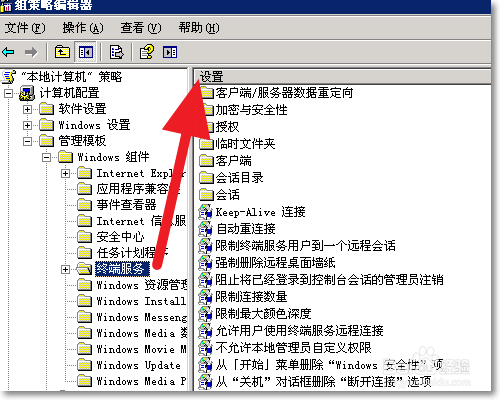
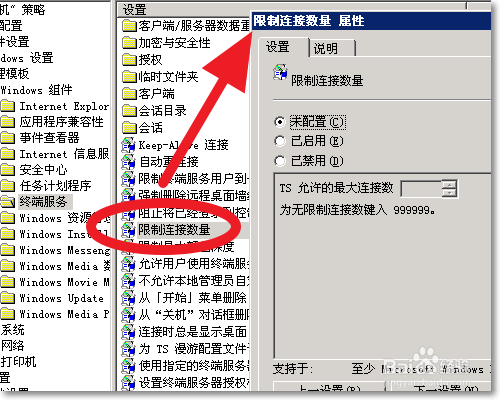
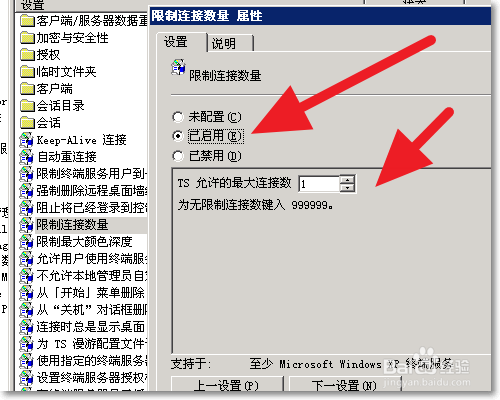
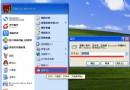
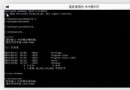
為管控伺服器資源,可透過群組原則限制終端服務最大連線數:
gpedit.msc
建議:依業務需求設定合理上限,避免資源耗盡影響服務穩定性。
Win8 右鍵「開啟方式」出現雙重「Windows 相片檢視器」?刪除多餘 Program Files 資料夾即可
IFA 2015 微軟 Win10 OEM 新品發布會 圖文直播完整實錄 (筆電、二合一、平板、IoT、Xbox 串流、Cortana、Continuum)
Windows 系統變慢原因分析與優化對策完整指南
微軟官方工具下載:阻止 Windows 10 自動更新
Win10 將「這台電腦」固定至任務列:建立捷徑拖曳法,比檔案總管更符合習慣
XP 系統如何套用 Vista 螢幕保護程式?透過複製系統檔案即可實現
Win10 內建指令建立 Wi-Fi 熱點:netsh wlan hostednetwork 完整教學(含網際網路共用設定)
如何在 Win8/8.1 取得 SYSTEM 最高權限刪除頑固資料夾 (TrustedInstaller 權限降權)