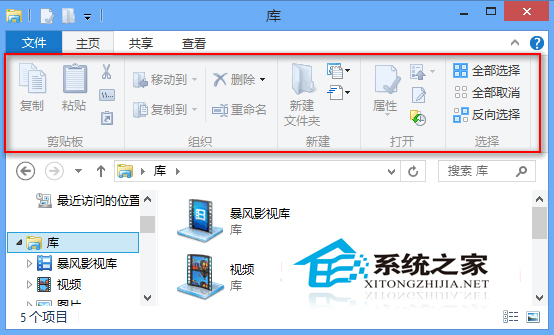
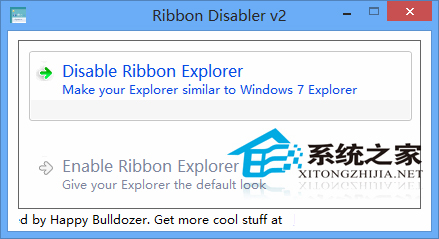
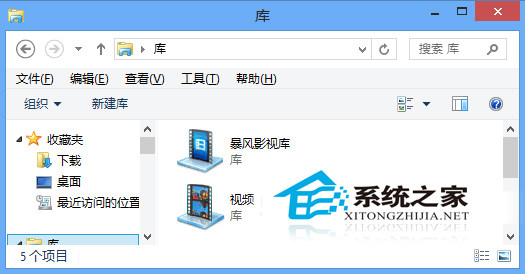
Win8 檔案總管引入 Office 2007 風格的 Ribbon 功能區 (選單列下方功能面板)。偏好經典選單風格可用 Ribbon Disabler 關閉:
Ribbon 從 Office 2007 引入,後用於 Win7 畫圖/寫字板、Win8/8.1/10 檔案總管。工具可一鍵切換風格。
Win10 正式版發布在即,藍牙協議通過 SIG 認證
Windows 7 內建效能監視器開啟雙法:perfmon 指令與電腦管理介面
解決 Windows 7 沒有聲音:驅動、設定、硬體三步驟排查法
Windows 10 10130 升 10162 出現音訊問題?10166 或已修復
雙系統環境禁用 Win8 Hybrid Boot (快速啟動) 恢復開機選單
奇怪的系統:網友自製網頁版 Windows 93,開關機動畫極致懷舊
Win10 Build 10061 新增 Contact Support 服務,協助修復電腦問題
Win10 麥克風無法錄音?四步驟排查:聲卡驅動、隱私權限、錄音裝置設定、錄音機測試