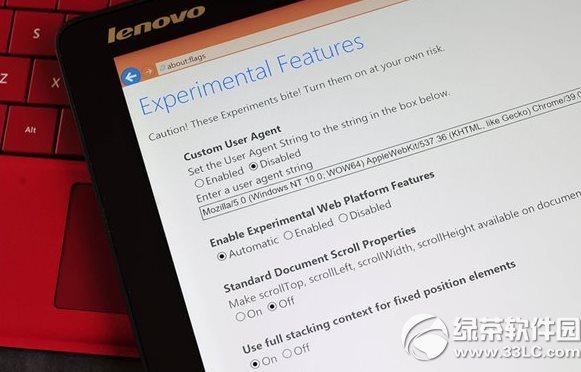
Win10 9926 中 IE11 可開啟 Spartan Edge 渲染引擎:
about:flags (英文冒號)。若渲染不穩定,可改設為 Disabled 回退舊引擎。此功能參考 AnandTech 報告,屬開發者預覽用途。
想安裝 Win10 預覽版但 SSD 空間不足 20GB 怎麼辦?雙系統暫存法
微軟發布會全息影像頭戴裝置 HoloLens 現場直擊:內建 HPU、無線獨立運算、手勢語音交互、NASA 秘密合作
Win10 Build 10056 啟用舊版系統托盤時鐘:登錄表 UseWin32TrayClockExperience=1 回傳經典介面
Windows XP 建立區域網路 (LAN) 讓多台電腦連網遊戲完整教學
Win7 執行程式提示「libeay32.dll 遺失」四種修復方案
Win10 TH2 正式版 KB3140741 更新內容:改善服務堆疊、免重開機