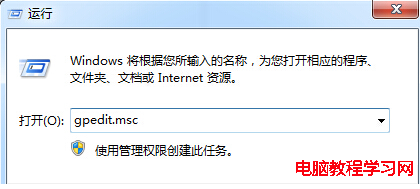
Win8 搜尋功能依賴索引,預設僅索引使用者資料夾。常存取其他磁碟/資料夾者,可手動加入索引位置大幅提速。
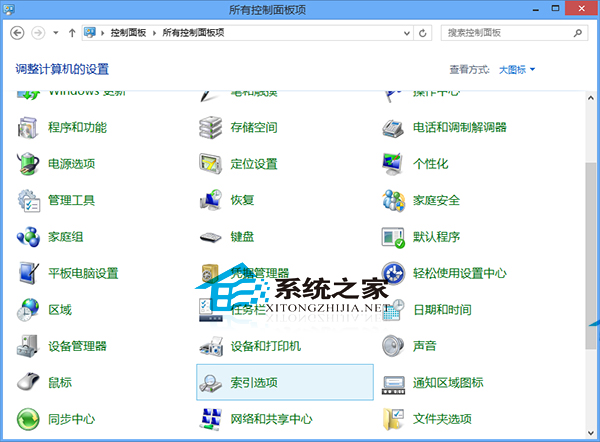
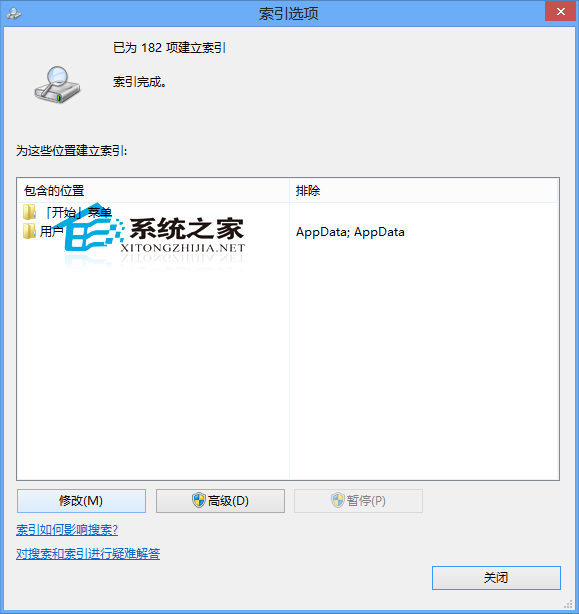
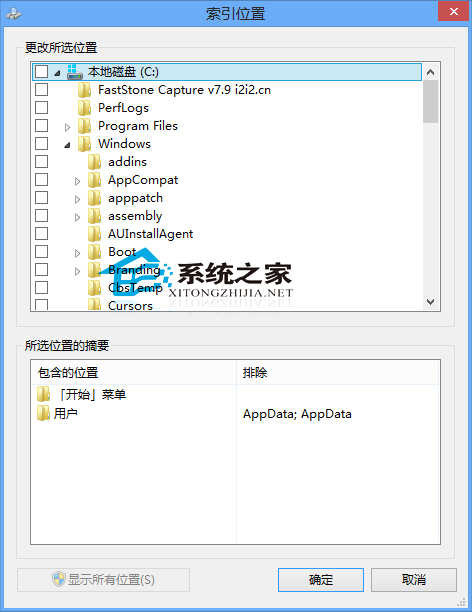
索引建立完成後,檔案搜尋將從秒級縮短至毫秒級,重度檔案管理者必設。
Win10 隱私設定全攻略,關閉廣告 ID、位置、攝影機、麥克風權限
Windows 8 Metro 介面自訂關機/重開機/登出磚教學
Win7 開機提示「使用者設定檔服務登入失敗,無法建立更多執行緒」?啟用 User Profile Service 或建立新帳號
Win10 免費升級機制改進:GWX 新增「確認升級時間」選項,給使用者後悔藥
Win10 升級 11099 卡在 76%?修改地區語言為英文 (美國) 兩種管道解決
微軟官方發布 Build 2015 會議日程:涵蓋 Windows/Azure/Office 365 全平台深度培訓
微軟官網首度揭露 Windows 10 零售價:家庭版 $119.99、專業版 $199.99,與 Windows 8.1 持平