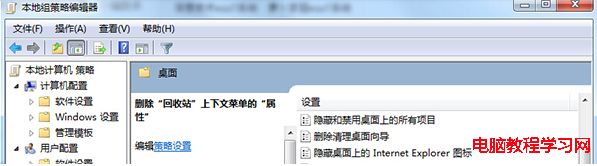
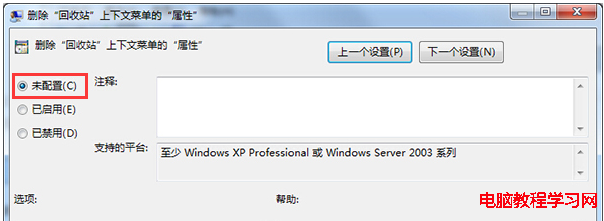
Windows 7 開啟資源回收筒跳出「此項目屬性未知」錯誤,通常是群組原則中「刪除資源回收筒內容功能表上的屬性」被啟用導致。
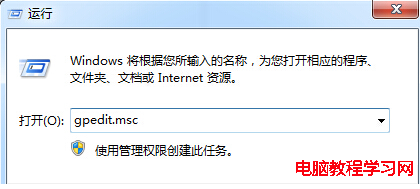
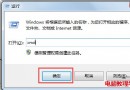
gpedit.msc
此設定常被優化工具誤啟用以「簡化右鍵選單」,實際上會破壞資源回收筒正常功能。
Windows Server 2008 遠端桌面效能優化五大秘技:優先權、Session 0、多螢幕、自訂解析度、頻寬控制
Windows 10 Build 10586.545 累積更新 KB3176492 釋出:修正待機、BitLocker、IE11 等問題
Win10 預覽版 10162 電腦突發卡頓怎麼辦?關閉 Windows Defender 即可解決
Win7 筆電電源圖示消失恢復:群組原則啟用電源圖示顯示
Win10 引入雙因素驗證:手機/PIN/生物識別作為第二重認證,防盜帳號資料外洩
Win10 內建防毒 Windows Defender 圖示變身「盾牌」:微軟走向大眾化的策略信號
Win10 磁碟配額在哪裡?位置、功能與管理用途完整說明
Windows 7 錯誤 1079 解決:服務啟動帳戶不一致導致 svchost 群組衝突