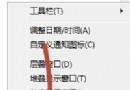
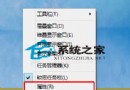
Windows 8.1 安裝工商銀行網銀助手 (ICBCSetupIntegration.msi) 時彈出錯誤視窗,無法正常安裝。解決方法:以系統管理員身分開啟命令提示字元,直接執行 MSI 安裝包路徑。
C:\Users\Admin\Desktop\ICBCSetupIntegration.msi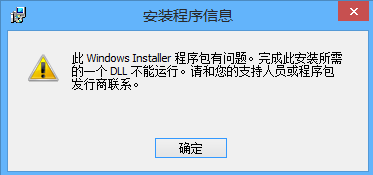
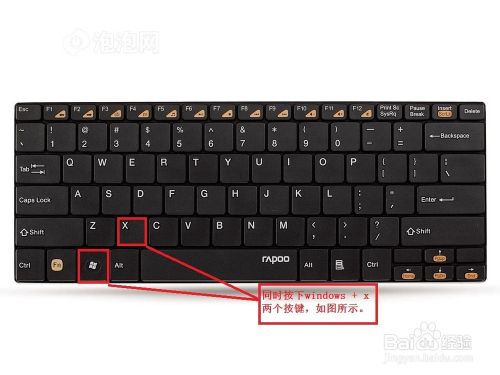
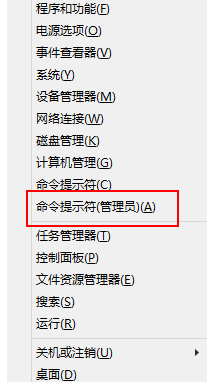
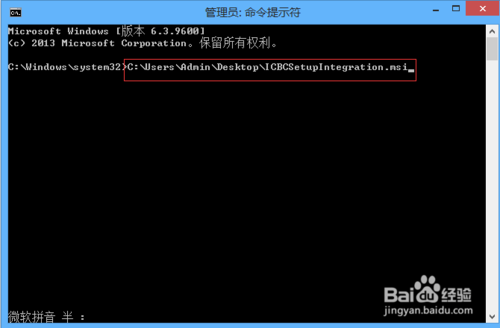
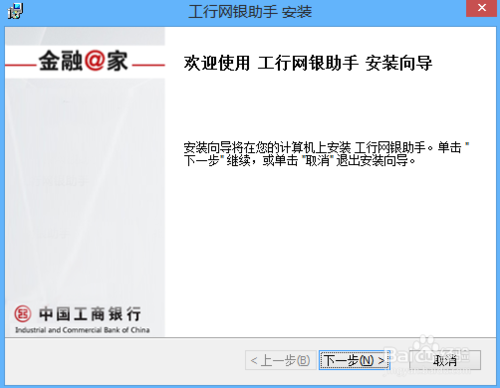
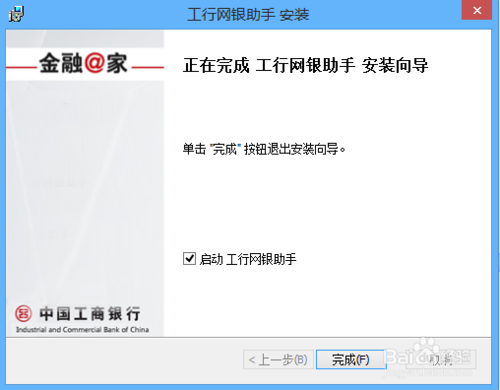
此法繞過 UAC 限制與安裝包簽名驗證問題,適用於各類 MSI 格式安裝包在 Win8/8.1/10 上的權限安裝失敗情況。
Win7 開機進入歡迎畫面黑畫面?安全模式執行 netsh winsock reset 重置網路目錄表修復
Win10 正式版如何取得完美管理員權限刪除 Windows.old?註冊表新增右鍵選單法
Windows 10 郵件應用程式同步失敗 0x80070032 錯誤?微軟尚未提供修復,建議暫用替代方案
Win7 更換桌面背景三大法:預設主題、自訂圖片、幻燈片輪播
Win2008/2012 IIS 網站首頁去掉 index.html 後綴:默認文檔「刪除再新增」變本地條目法
Win10 透過群組原則禁用 USB 隨身碟/行動硬碟:防止資料外洩的簡單設定