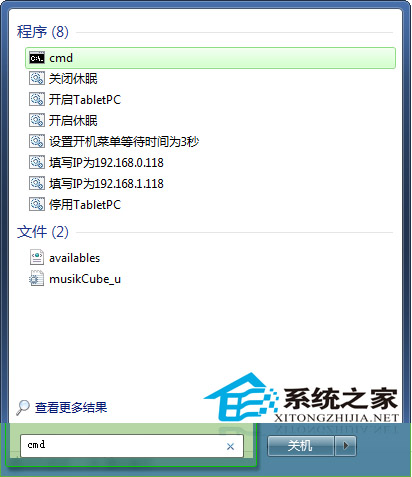
Win7 剪貼板暫存複製資料,大量操作會佔用資源。開啟剪貼板查看內容方法:
CMD
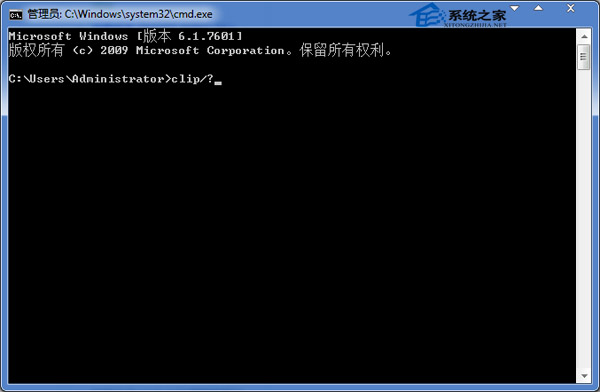
clip /?
建議定期清理剪貼板,或使用具備清理功能的第三方工具。
Windows 7 實用技巧大全:70 招提升效率的隱藏功能
IE 被棄用?Win10 新瀏覽器 Spartan 截圖曝光,支援語音控制與擴充套件
Win10 紅石版 Edge 瀏覽器新擴充功能「關燈」:暗光環境護眼神器
Win7 審核策略監控 QQ 使用紀錄:啟用策略、設定審核對象、查看事件日誌完整教學
Windows 10 更新進度條卡在 0% 怎麼辦?重啟 wuauserv 服務即時解決
Win7 Aero 主題全灰無法選擇?啟用 Themes 服務即可恢復
Win10 正式版 10586.122 更新內容完整匯總:全方位可靠性穩定性提升
Win8 如何確認系統啟動模式 UEFI 或 BIOS?三種方法:安裝日誌、磁碟分區表、系統資訊