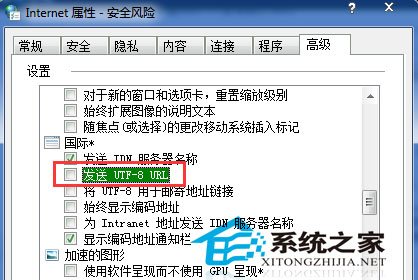
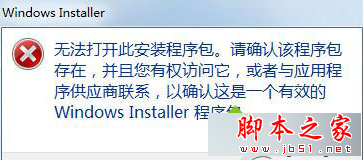
WinXP 下載特定網站檔案提示「找不到檔案」,但他人可正常下載,主因是 IE「一律以 UTF-8 傳送 URL」設定導致中文檔名連結無法辨識。解決方法:
確認網站檔案確實存在後,套用此設定通常即可解決下載問題。
Win7 虛擬 WiFi 熱點完整教學:指令建立 SoftAP、ICS 分享網路、支援裝置對照表
Win8 選 32 位元還是 64 位元?依據記憶體與硬碟空間決定
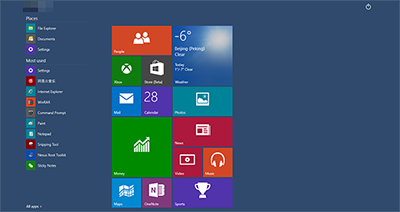
Windows 10 Build 10134 上手試玩系統截圖 (30 張) :Bug 修復為主、介面變化小
Win7 硬碟指示燈狂閃不停?三大原因與解決方案:停用服務、取消壓縮索引、關閉系統還原
Win10 開啟/關閉飛行模式三種方法:操作中心、設置、硬件開關
XP 開機提示「找不到 COMRes.dll」解決法:病毒掃描、從 dllcache 複製註冊
Win10 系統異常怎麼查?用可靠性監視器檢視問題報告
Win7 內建虛擬 WiFi 共享上網,將筆電變身無線路由器