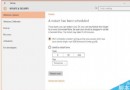
Windows 10 如何啟用平板模式?操作簡單:
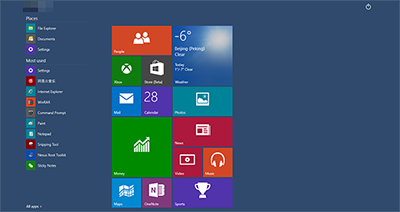
即可體驗平板式操作介面。
Windows Server 2003 版本差異完整解析:Web、標準、企業、資料中心版與 SP1/SP2/R2 新功能
Win8/8.1 將「這台電腦」圖示放到桌面並改名為「我的電腦」
Win10 升級卡在「引導系統檢測不通過」?EasyBCD 修復 BCD 引導檔案教學(高風險操作)
Windows 10 正式發布前迎來第三波更新補丁 KB3074674:持續修補優化
Windows 8/8.1 登出(登出)在哪?Alt+F4 快速呼出關機選單選擇登出
Windows 10 Build 10074 介面新特性全覽:毛玻璃回歸、3D 磚貼翻轉、Continuum 優化、Cortana 成長