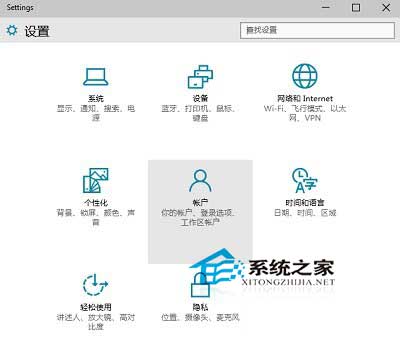
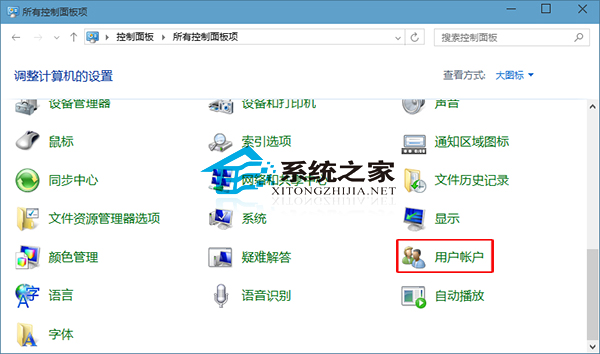
Win10 使用者帳戶管理有新舊兩種介面,分別對應現代設定 App 與傳統控制台。
兩種風格差異大,依使用習慣選擇。
Windows 10 安裝到 USB 隨身碟打造隨身系統:Windows To Go 完整教學
Windows 10 Insider 預覽版免費升級正式版條件:必須安裝於實體主機並為主力系統
Win10 PotPlayer 不斷彈出自動更新提示?防火牆出站規則封鎖聯網一勞永逸
Win10 10158 自製中文 ISO 鏡像下載(32位 + 64位)含安裝金鑰與雜湊驗證
Windows 8.1 清除無線網路連線記錄:命令列一鍵「忘記網路」
Win10 截圖保存位置在哪?修改默認保存路徑完整教程
Win8 禁止縮略圖顯示文件圖標:資料夾選項「查看」取消勾選即可
Windows 10 找回體驗指數 (WEI):WINSAT 指令與 ExperienceIndexOK 工具雙法查詢