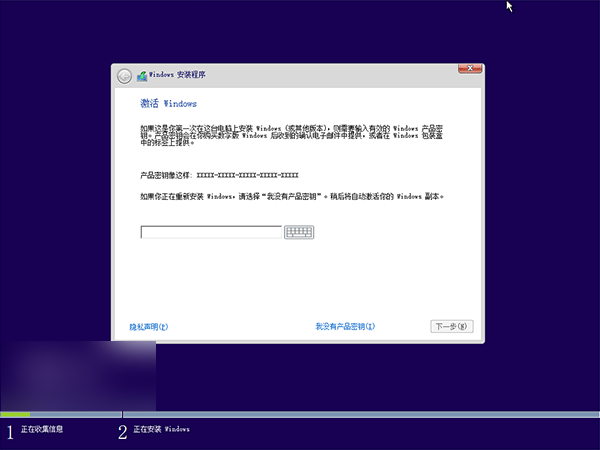
Build 10041 更新後,部分用戶回報郵件、行事曆、人脈三大生產力應用無法開啟。微軟證實為 Beta 版 Windows Store 授權問題,提供 PowerShell 修復方案。
PowerShell。Get-AppxProvisionedPackage -Online | Where-Object {$_.PackageName -like "*windowscommunicationsapps*"} | Remove-AppxProvisionedPackage -Online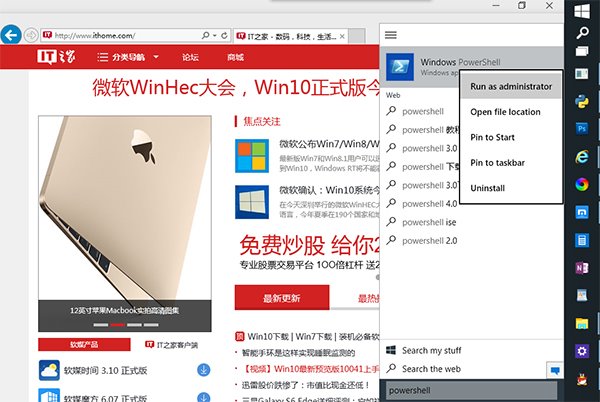
此問題為預覽版常見 Bug,修復步驟簡單,操作後即可恢復正常。
Windows 10 Mobile 10512/10166 越獄突破:可修改登錄、移除旁載限制,僅支援 Lumia 與三星裝置
Windows 10 手動開啟/關閉定位服務完整教學:裝置層級與使用者層級雙重控制
Windows 8 任務管理器顯示更多詳細資訊:進程控制代碼、執行緒、使用者物件等
Win10 Cortana 搜尋結果顯示緩慢?教你幾招輕鬆解決索引問題
Win7 禁止開機啟動項與軟體自動運行:msconfig 精簡啟動項、大勢至 USB 管理軟體強力阻擋流氓軟體
Win10 Spartan (Edge) 瀏覽器啟用與上手體驗:about:flags 開啟實驗性 EdgeHTML 引擎、功能詳解