Windows XP Windows 7 Windows 2003 Windows Vista Windows 綜合教學 Linux 系統教學
Windows 10 Windows 8 Windows 2008 Windows NT Windows Server 電腦軟體教學
您现在的位置: Windows教程網 >> Windows教程 >  >> Windows 綜合教學 >> 關於 Windows

Win8.1 應用商店無法購買/下載?四大解決方案完整攻略

編輯:關於 Windows

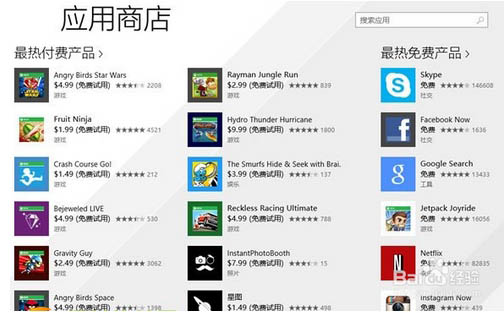
Win8.1 應用商店出現「無法完成購買」錯誤,提供三大層次解決方案:

方案一:啟用 Windows Update 服務

服務管理員 (services.msc) 中將「Windows Update」設為「自動」並啟動。

方案二:重新連線 Microsoft 帳戶

「設定 → 變更電腦設定 → 帳戶 → 更多線上帳戶設定」輸入密碼重新連線。

方案三:深度重置快取與服務(最徹底)

  1. 清理暫存檔: Win+R → %temp% → 全選刪除。
  2. 重置核心服務: services.msc 停用四項服務:
     • Background Intelligent Transfer Service
     • Cryptographic Services
     • Windows Update
     • Windows Installer
     停用後刪除 C:\Windows\SoftwareDistribution 資料夾 → 重新啟動四項服務。
  3. 重置應用商店: Win+R → wsreset → 重啟電腦。
  4. 使用 Microsoft 帳戶登入: 切換帳戶類型 → 檢查更新 → 進入商店下載應用。

按順序嘗試,方案三解決率最高,適用於多種商店異常情況。

Copyright © Windows教程網 All Rights Reserved