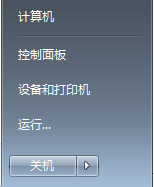
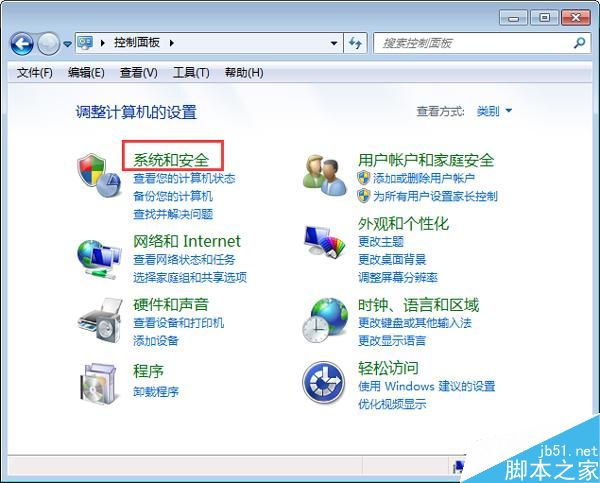
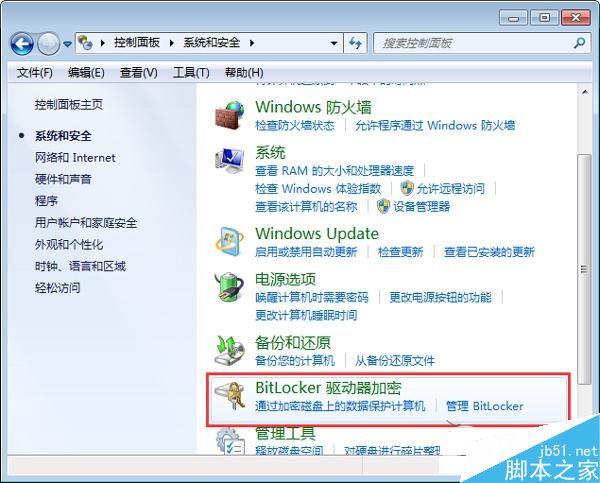
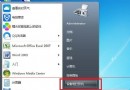
Win7 控制台找不到「BitLocker 驅動器加密」怎麼辦?BitLocker 透過加密作業系統磁碟區保護資料。兩種方法快速找到。
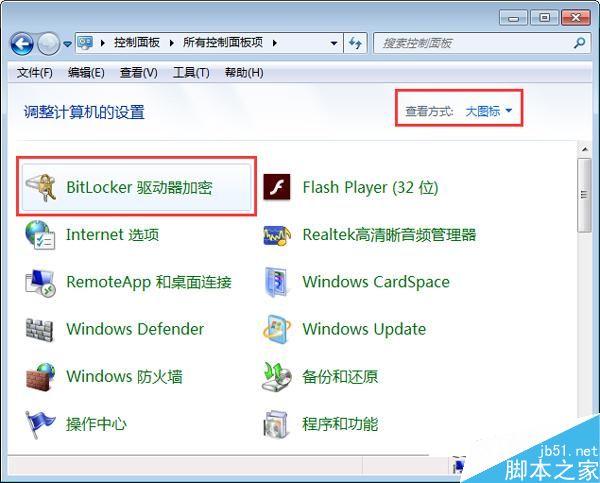
另一法:控制台右上角「檢視模式」改為「大圖示」或「小圖示」即可直接看到。
方法簡單,一看就懂。感謝閱讀,更多內容請關注本站!
Win10 裝機量突破 8,100 萬台,9 月底預估破億:微軟最快里程碑
Win8.1 開啟命令提示符的六種方法大全
Windows 7 防火牆還原預設值:一鍵重置所有規則與例外
Windows 10 更改螢幕解析度完整教學
Win7 獨顯驅動無法更新?刪除 DriverStore 殘留套件 + 重裝官方驅動完整解法
Win10 修改磁碟機代號 (盤符):Win+X → 磁碟管理 → 右鍵分區 → 變更磁碟機代號與路徑 → 變更 → 指定新代號
Win7 解除安裝 IE 後桌面圖示殘留無法刪除?登錄刪除 Desktop\NameSpace 對應 CLSID 解決
Windows 10 Store 企業優化功能:統一跨平台商店、網頁端部署、MDM 整合應用生命週期管理