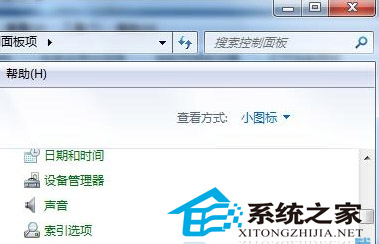
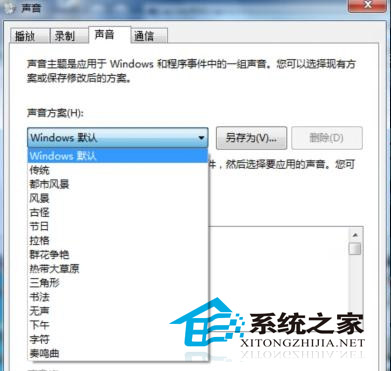
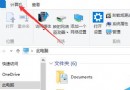
Windows 7 安裝完成後開啟資料夾會有提示音,後續可能因優化軟體關閉而消失。若想手動關閉:
設定完成後開啟資源管理器測試,不再有音效。喜歡音效者可自行選擇喜好配置。
Windows 執行指令大全:常用系統工具、管理單元、配件快速啟動指令彙總
Windows 7 開啟群組原則編輯器:gpedit.msc 快速啟動法
Windows 10 Mobile Build 10051 已修復問題彙總
Win10 抄襲 Win95?界面對比圖揭示微軟「熟悉感」設計哲學
Win10 安裝過程提示「檔案遺失或損壞」怎麼辦?勿用迅雷下載 ISO
Win8 QQ 彈出訊息導致播放器音量變小?設定「不執行任何動作」解決
設定 Windows 8 工作排程器:建立定時提醒與自動化任務
Build 9879 是 2014 年 Win10 最後一個預覽版,微軟將專注優化現有產品