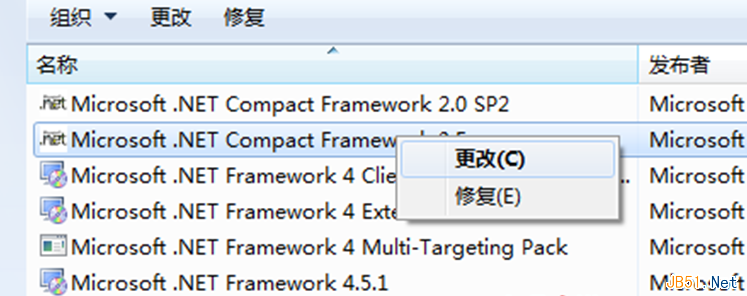
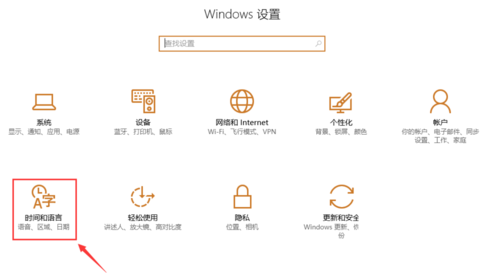
.NET Framework 安裝簡單,移除卻有訣竅:
直接「解除安裝」常失敗或殘留,「變更→移除」為官方正確移除流程。
Win7 桌面背景被竄改恢復:登錄檔 NoSaveSettings 防止壁紙被修改
Windows 7 系統備份與還原點建立完整操作指南
Windows 10 正式版釋出日期成謎:Build 2015 未公布、AMD 洩露 7 月底、微軟醞釀大招?
微軟 6 月 Win10 Bug Bash 統計:中國用戶回饋量暴增至 20.4% 躍居全球第二
Win10 使用全民 WiFi 提示「WiFi 建立失敗」怎麼解?開啟行動熱點與 ICS 服務雙保險
Win7 IE9 看影片有聲無畫面?關閉 GPU 硬體加速即可修復
Windows 10 正式發布:版本、價格、免費升級條件、硬體需求全攻略
Win7 藍屏錯誤 0x0000007E 成因與排除全攻略