Windows 8/8.1 一體機或筆電常出現「裝置管理員顯示光碟機有黃色驚嘆號」、「我的電腦找不到光碟機代碼」問題。主因是光碟機驅動程式的 UpperFilters/LowerFilters 登錄值損毀。本文提供標準修復流程。
現象確認
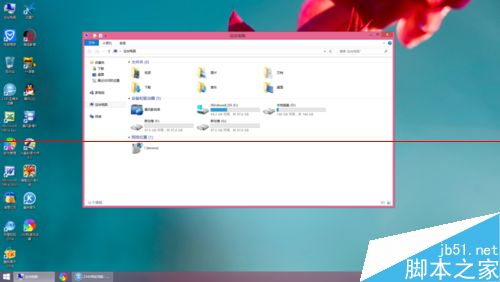
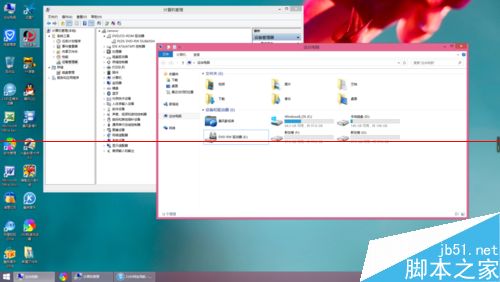
- 「我的電腦」無光碟機代碼。
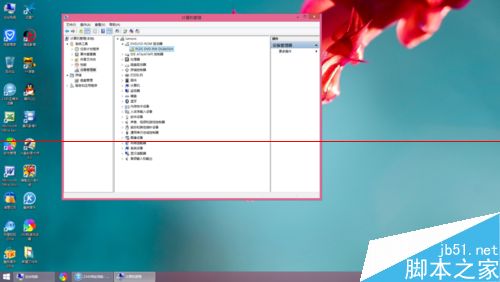
- 裝置管理員 → DVD/CD-ROM 機種 → 顯示黃色驚嘆號,錯誤代碼 39/19/31/32/41 等。
修復步驟(登錄表編輯)
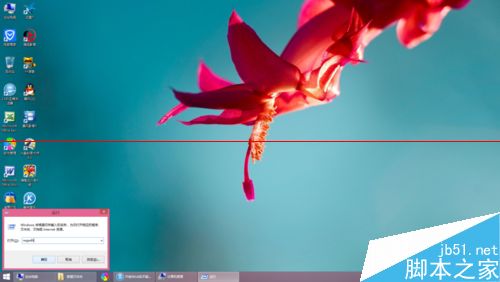
- 按 Win+R 輸入
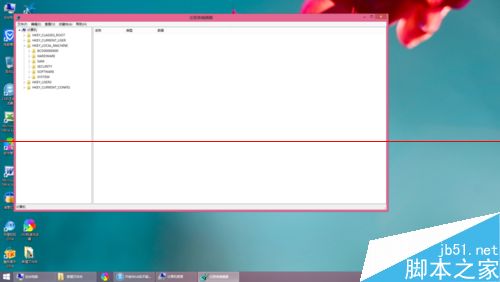
regedit 開啟登錄表編輯器。
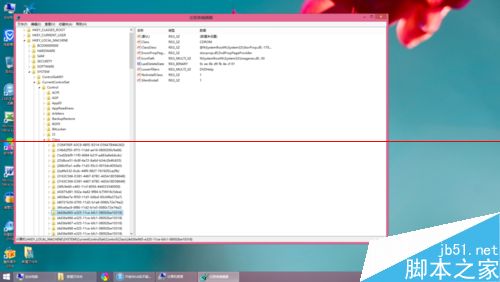
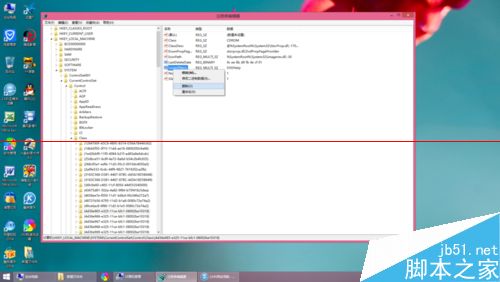
- 展開至:
HKEY_LOCAL_MACHINE\SYSTEM\CurrentControlSet\Control\Class\{4d36e965-e325-11ce-bfc1-08002be10318}
- 在右側窗格尋找 UpperFilters 與 LowerFilters 兩個值(若存在)。
- 右鍵分別選擇「刪除」移除這兩個值。
- 關閉登錄表編輯器,**重新開機**。
注意事項
- 必須重開機生效,否則光碟機仍不會出現。
- 若刪除後仍無法解決,嘗試在裝置管理員「解除安裝」光碟機裝置,再掃描硬體變更重新安裝驅動。
- 此法同樣適用於 Windows 7/10 同類問題。