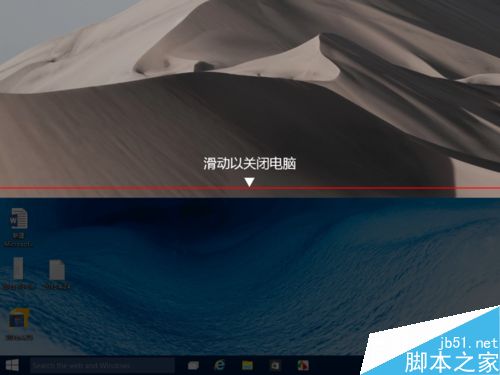
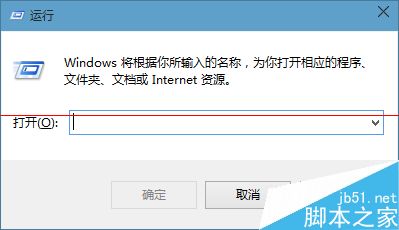
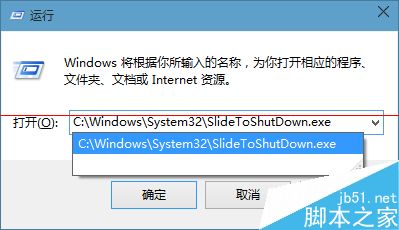
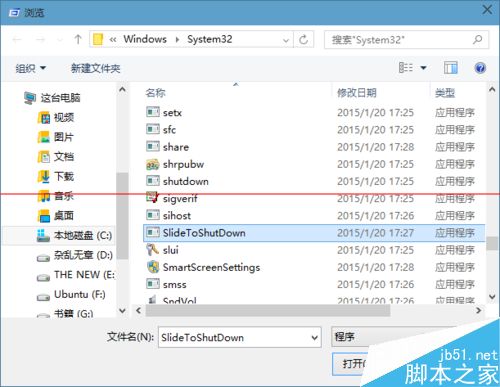
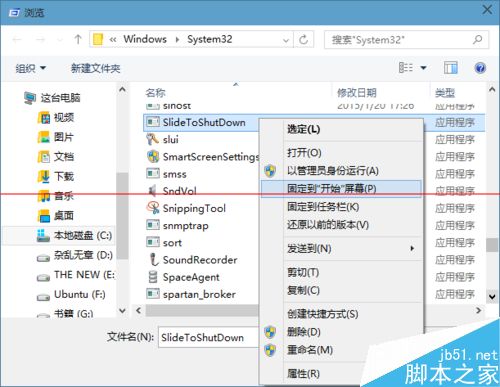
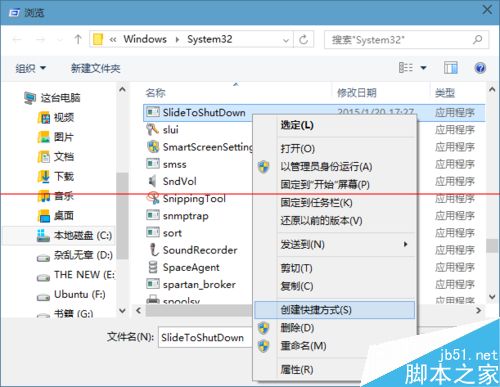
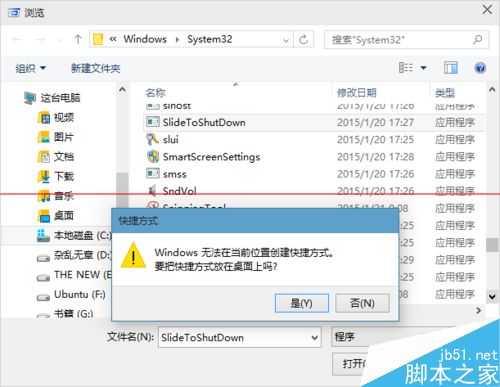
Win10內建酷炫滑動關機(同Windows Phone 8),啟用法:
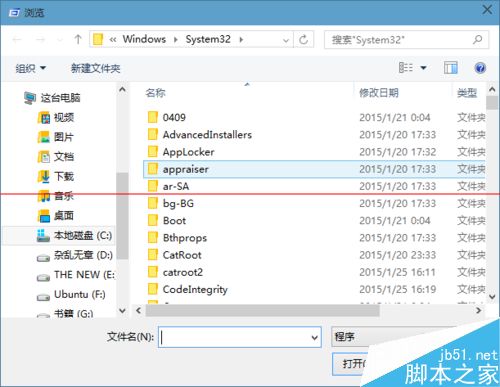
C:\Windows\System32\SlideToShutDown.exe
System32
SlideToShutDown.exe
適合觸控筆電/平板,滑鼠操作亦支援。
關閉 Windows 開機自動檢測硬碟 (chkdsk) 兩大法
Windows 10 Mobile 10240 模擬器截圖曝光:操作更順滑、動畫更自然
Windows 10 到底免費還是收費?官方升級政策完整說明
Win8.1 點關機卻重開機?三招解決「關機變重啟」困擾
Win7 註冊表找不到 msahci 鍵值?正確查看路徑與 AHCI 模式啟用指南
Win10 抄襲 Win95?界面對比圖揭示微軟「熟悉感」設計哲學
WinXP/Win7 無法開啟「我的電腦」/「我的文件」?Explorer 殼修復批次檔一鍵修復
Win8.1 退出家庭群組完整教學:五步移除共享與桌面圖示