Windows 8 安裝 MSI 封裝程式時出現 2502/2503 錯誤,主因權限不足且右鍵選單缺少「以系統管理員身分執行」選項。解法:透過管理員命令提示字元手動呼叫 msiexec 安裝。
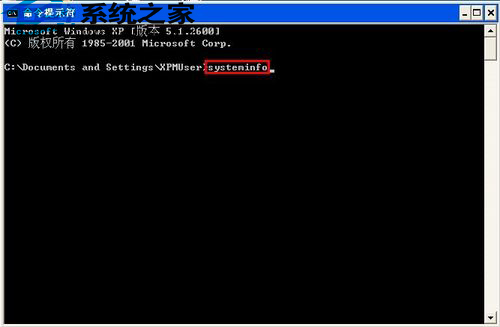
msiexec /package "完整路徑\檔名.msi" → Enter。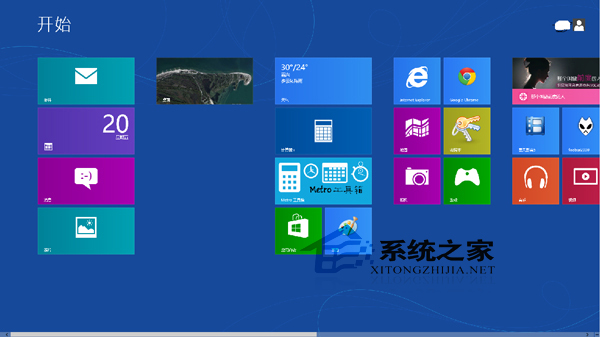
原理: msiexec 為 Windows Installer 服務執行程式,以管理員權限啟動可繞過 UAC 限制,直接取得安裝所需的系統資源存取權。此法適用於所有 MSI 封裝安裝程式。
Win10 開始選單手動置頂應用技巧:加入隱形空格讓最愛排第一
微軟良心補丁 KB3074681:Win 10 未啟用也能享用個人化設定
Windows 10 藍牙音訊串流設定:連接藍牙喇叭/耳機播放電腦聲音
wmiprvse.exe 是什麼程序?能否刪除?WMI 提供者主機程序詳解
Windows 10 正式版硬碟安裝法詳解:無需 USB 即可快速部署
Windows XP 虛擬記憶體最佳設定指南:手動固定大小、精準測試法找出黃金數值
Windows 10 正式版發布前微軟大規模清理應用商店:移除山寨/低品質應用、規範價格與關鍵字
微軟公布各版本 Windows 升級 Win10 完整路徑圖:ISO 與 Update 雙軌、WP8.1 直升、RT 棄守