Windows 7 旗艦版 64 位元加裝記憶體後,系統屬性顯示「已安裝 4GB,可用 2GB」,第三方工具卻能正確偵測 4GB。這是因為系統設定啟用了「最大記憶體」限制。
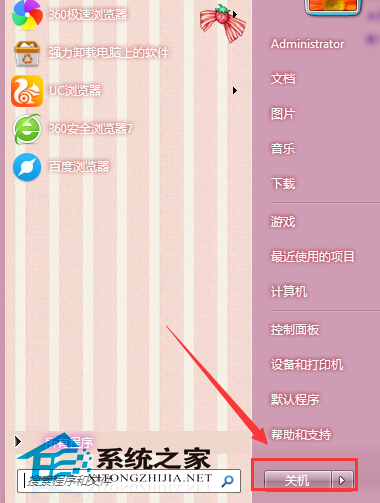
msconfig 開啟「系統設定」。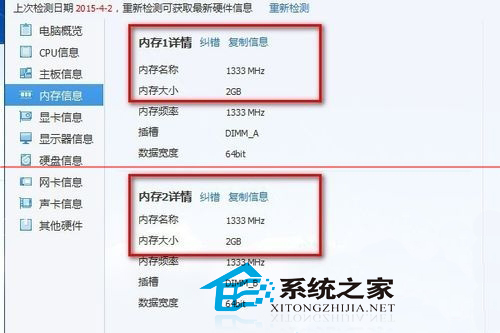
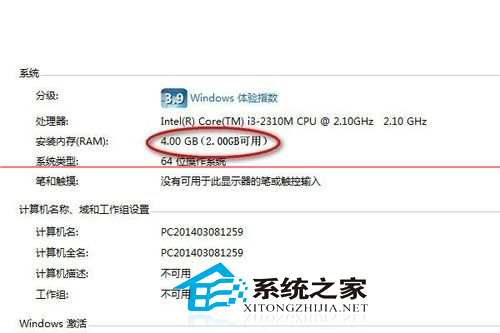
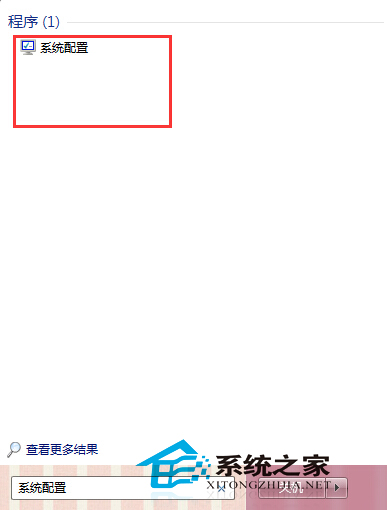
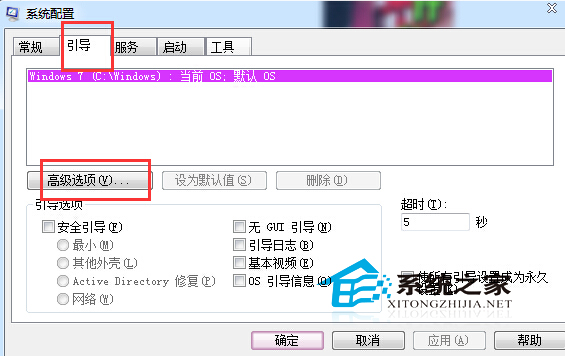
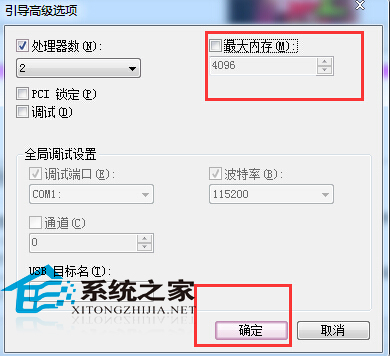
成因: 某些 BIOS/UEFI 更新或系統遷移後,會誤將此選項啟用並設為預設值,導致系統僅認可部分記憶體。關閉後即可完整辨識所有實體記憶體。
解決 Windows 7 網路識別問題:停用/啟用網路介面卡重設連線
Windows 10 技術預覽版開機黑屏 30 秒至 1 分鐘解決方案:關閉快速啟動與還原啟動項
Windows 7 旗艦版 64 位元無法進入安全模式?透過註冊表匯入修復教學
Win8/8.1 讓指定程式預設以系統管理員身分執行:右鍵屬性一鍵設定
Win7 開機自動彈出 desktop.ini 記事本?刪除啟動資料夾中的 desktop.ini 即可解決
Win10 如何更改個人資料夾 (文件/下載/音樂/圖片/影片) 預設位置?移動至非系統盤釋放 C 槽空間,保持系統高效運作