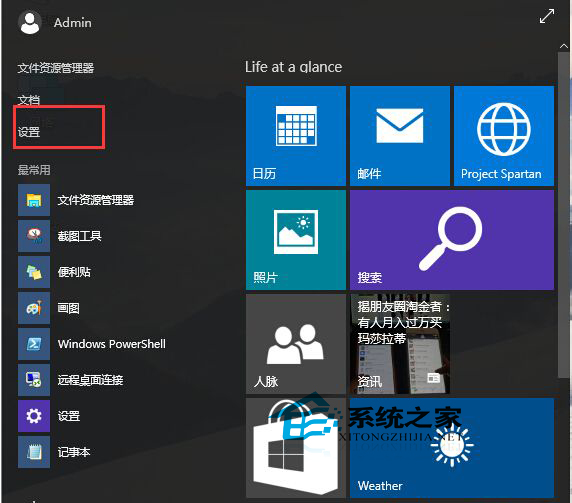
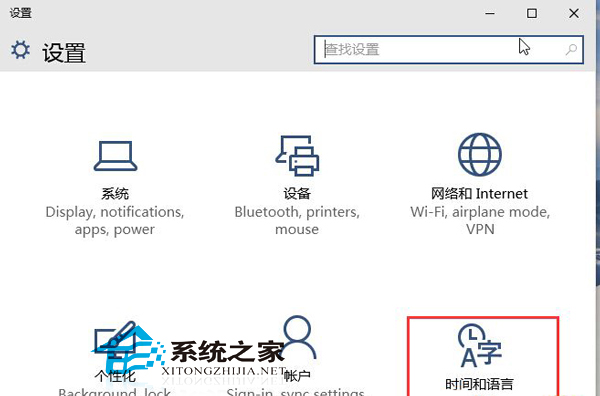
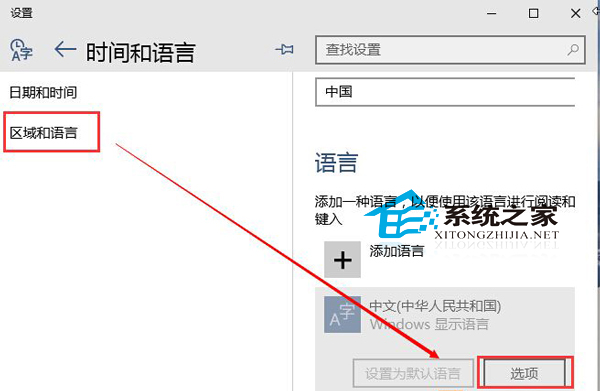
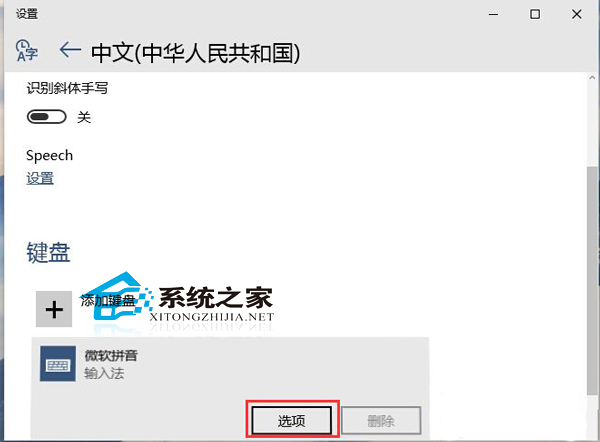
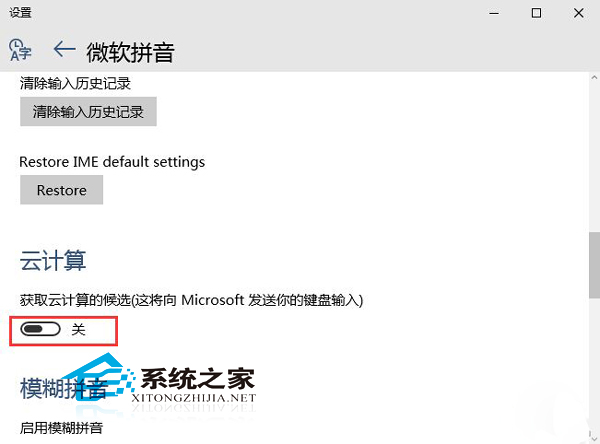
Windows 10 Build 10074 微軟拼音新增雲端運算功能導致鍵盤輸入明顯延遲。關閉該功能即可恢復流暢度。
Windows 7 徹底移除印表機驅動程式,防止自動重裝
Win7 玩遊戲無法全螢幕?兩招解決黑邊、解析度不符問題
Win10 啟用/停用 ClearType 字型平滑:個人化→顯示→調整 ClearType 文字、取消勾選啟用 ClearType
Win7 安裝顯示卡驅動程式後不斷重開機?四大成因與對策完整分析
開機出現「Missing operating system」錯誤?三大原因與修復步驟
猶豫是否升級?外媒 WinBeta 發布 Windows 10 上手演示影片
Windows 7 徹底移除印表機驅動程式的方法
Win10 Mobile/WP8.1 專業攝影應用 OneShot 5.0.2 更新:修錯優化