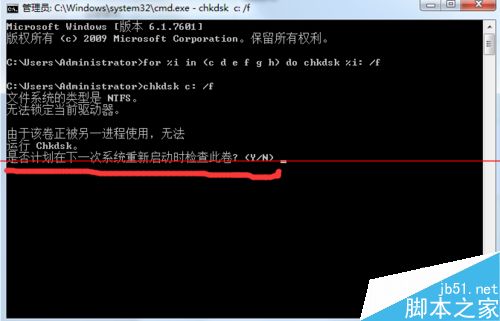
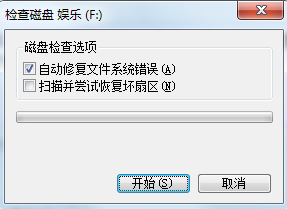
執行磁碟清理勾選「自動修復檔案系統錯誤」時提示磁碟被佔用,需排程下次重開機檢查。若重開機仍無法執行,可進入安全模式以獨佔模式執行 chkdsk。
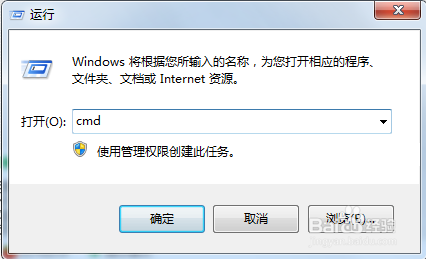
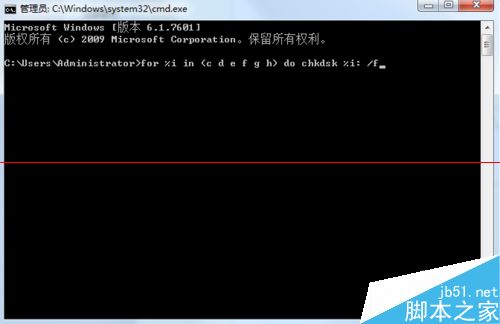
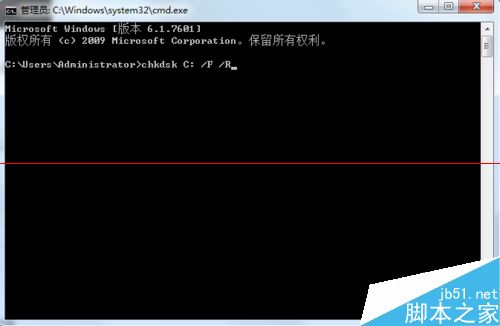
cmd → 在命令提示字元輸入:for %i in (c d e f g h) do chkdsk %i: /fn 拒絕。chkdsk C: /F /R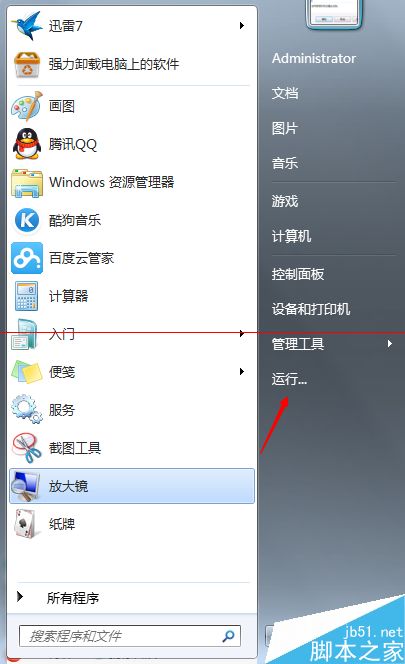
Win8.1 本機帳號切換 Microsoft 帳號錯誤 0xd00000bb:360 優化導致服務停用,一鍵恢復解決
Mobilize.NET 推出 WP 8.x Silverlight 遷移至 Win10 UWP 通用應用工具
Windows Server 2008 硬碟加密全指令流程:DiskPart 建立 GPT 分割區 + NTFS 格式化
Win 7 升級 Win 10 後桌面新建檔案/資料夾提示需管理員權限?真實桌面路徑指向錯誤所致
Windows 7 卸載更新後如何重新安裝?透過 Windows Update 或第三方工具恢復補丁
Win8 啟用 AHCI 模式提升機械硬碟效能:避免藍畫面的完整步驟