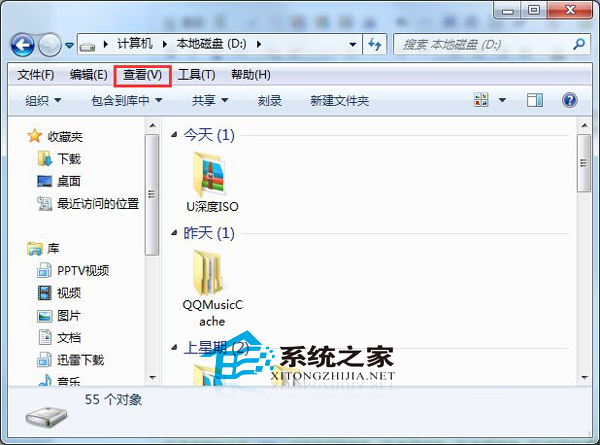
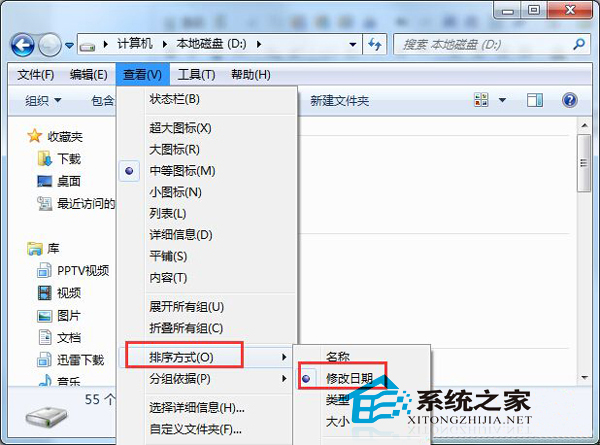
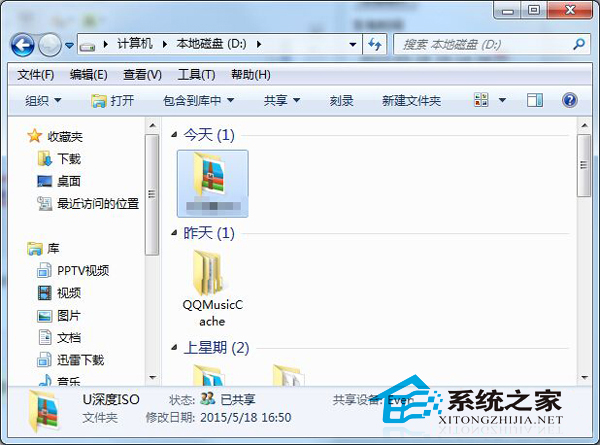
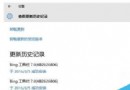
Win7 讓檔案依修改時間分群:
操作簡單,大幅提升檔案尋找效率。
Windows 8 快速呼叫「開始選單」的鍵盤快捷鍵技巧
巧用登錄表查詢 Win10 完整 25 字元啟動金鑰:無需第三方工具
解決 Windows 7 網路探索無法啟用、印表機共用失敗的完整指南
Win7 右下角提示「此 Windows 並非正版」三大解決方案:重新授權、啟用服務、永久啟用金鑰
XP 開機自動彈出瀏覽器廣告視窗?登錄刪除 Winlogon 下非預設值清除掛馬啟動項
Win10 Mobile 10536 預覽版安裝運行高清圖賞:新功能搶先看
Win8/Win8.1 系統頻繁斷網怎麼辦?三大解決方案徹底修復網路連線問題
Win7 資源管理員加入遠端搜尋連接器:一鍵搜尋 Bing/Google/Yahoo/MSN,不必切換瀏覽器