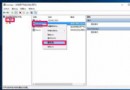
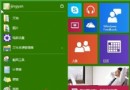
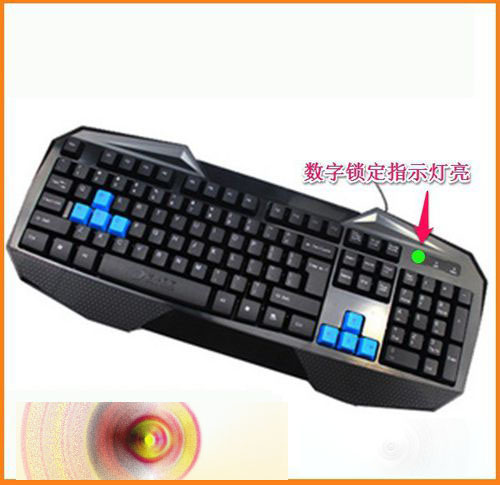
安裝 Win10 10122 後,小鍵盤 Num Lock 亮卻無法輸入數字,實為「輕松使用」中「鼠標鍵」被誤開啟——數字鍵 8/4/6/2 變成鼠標移動鍵。
解決方法:
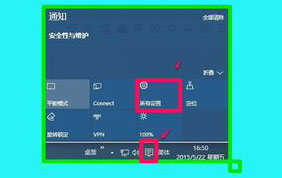
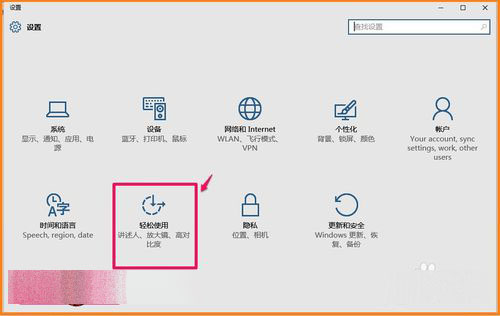
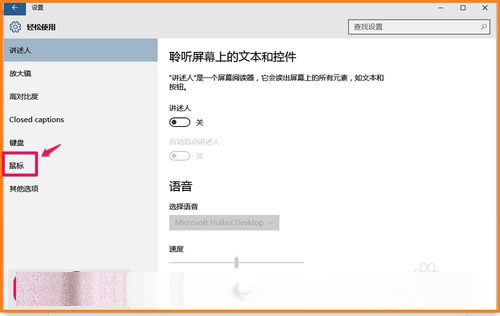
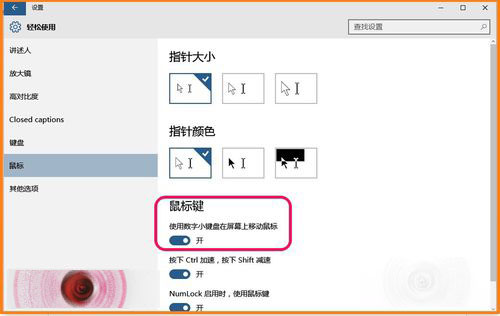
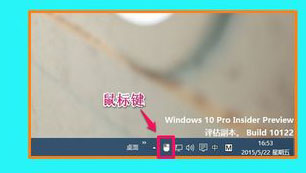
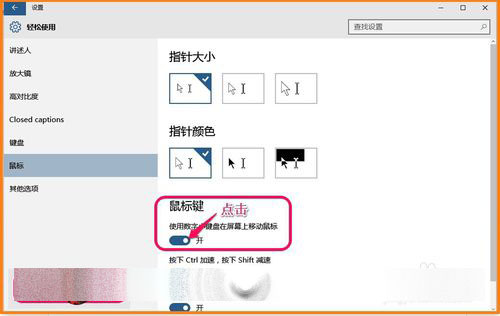
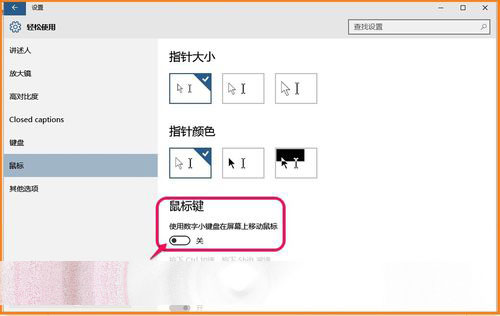
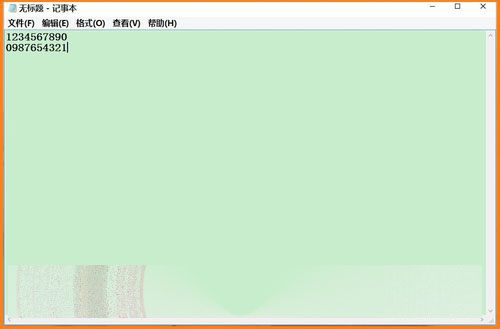
需用小鍵盤控鼠標時再開啟即可,兩功能互斥。
Windows 10 正式版 vs 預覽版差異分析:開始功能表回歸、Cortana 整合、虛擬桌面優點多於缺點
Win10 Build 986x 變革:Charms 欄網路功能改為獨立視窗,提供更多 Wi-Fi 選項、熱點列表與 VPN 控制
Windows 10 Insider 預覽版 Build 15010/15012 相繼現身,本週或將推送
【圖輯】Windows 10 Insider Preview Build 10074 介面搶先看:Cortana 整合開始選單、毛玻璃回歸、系統音效更新
Windows 7 使用命令提示字元結束指定程序:tasklist 與 taskkill 實戰
Win10/Win8 螢幕亮度無法調整?核顯驅動相容性問題完整排查