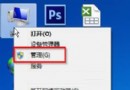
桌面預設存放於 C 槽,檔案過多導致系統變慢、風險增加。可將桌面資料夾遷移至 D 槽等非系統磁碟。
Desktop 資料夾,先移動現有桌面檔案至新資料夾。regedit → 定位 HKEY_CURRENT_USER\Software\Microsoft\Windows\CurrentVersion\Explorer\User Shell FoldersDesktop 值 → 數值資料改為新資料夾完整路徑 (如 D:\Desktop) → 確定。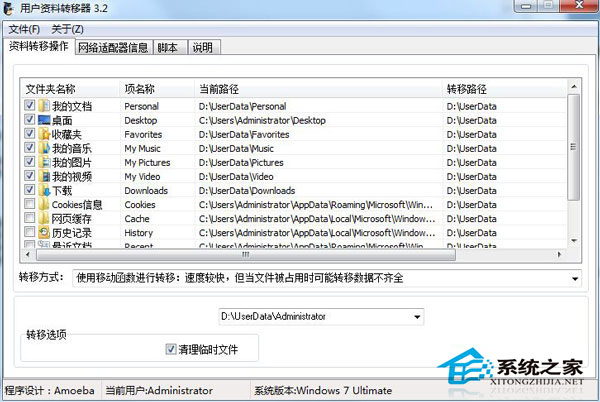 建議
根本解決仍在於檔案分類歸檔習慣,避免桌面當垃圾桶。遷移後仍需定期整理。
Win10 玩 CF《穿越火線》無法全螢幕?調整解析度至 1024×768 即可解決
Win10 喚醒 Charms 超級按鈕:觸控螢幕自動顯示,非觸控裝置按 Win+C 快捷鍵開啟
Windows 7/8.1 升級 Windows 10 可保留哪些個人資料與應用程式?
Windows 7 內建虛擬 WiFi 熱點分享上網完整教學:netsh 指令 + ICS 共享
Win7 玩 DNF 卡在角色選擇畫面?修改網卡 MTU 值為 1000 解決
Windows 7/8.1 如何移除持續彈出的 Windows 10 免費升級提示?卸載 KB3035583 更新