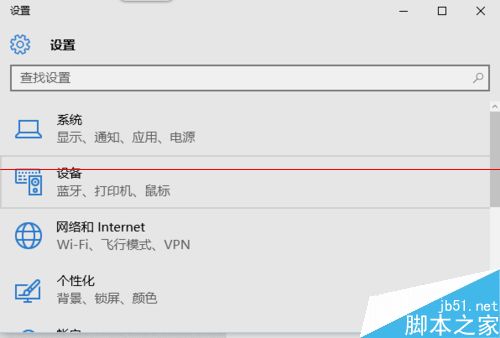
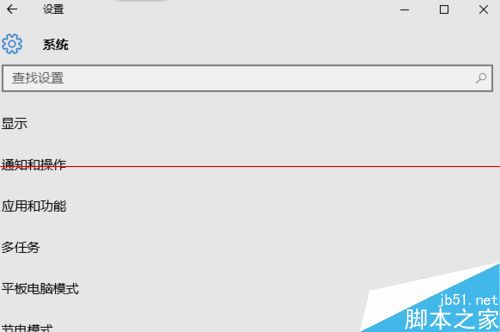
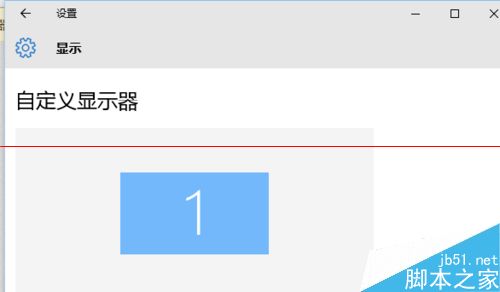
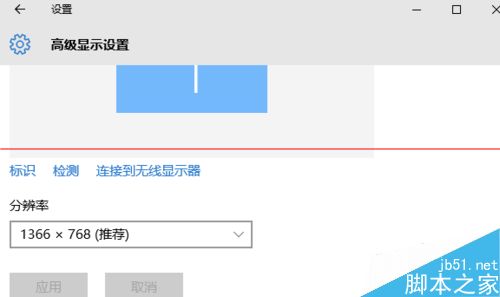
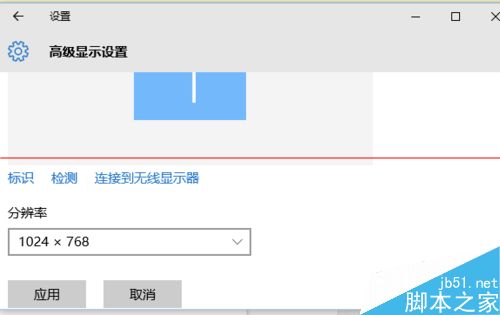
許多玩家在 Win10 上執行《穿越火線》時畫面無法全螢幕,甚至只佔角落。解決方法:將螢幕解析度暫時調整為 1024×768。
相關推薦: Win10 內建應用程式安裝失敗 0x80073cff 解決 | Win10 無法玩 CF 解決方法
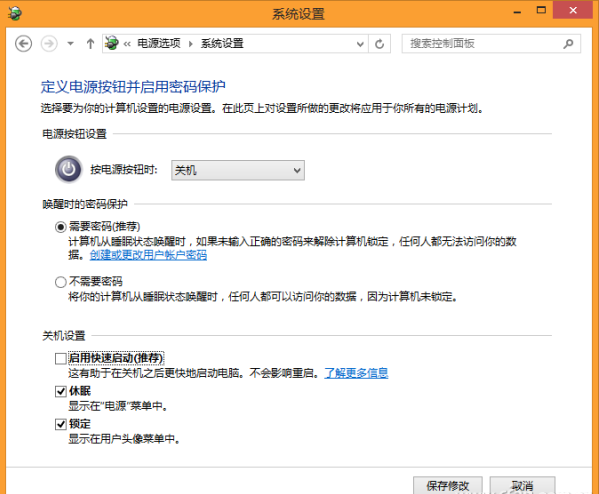
Win10 預覽版安裝 KB3105208 更新後藍畫面?暫時解決方案:關閉安全開機
Win8/8.1 寬帶連線錯誤 629 完整排查指南:從帳號到光猫重啟
Win8.1 使用鍵盤快速鍵瀏覽網頁:無滑鼠也能輕鬆上網
Windows 7 解決音訊服務未執行:重新啟動 Windows Audio 服務
Win10 Build 10151 中文預覽版演示影片與截圖曝光:新手機助手、介面更完善
Win7 安裝 QQ 提示「安全組件異常 0x00008C02」?關閉安全軟體重裝即解
Win8 重置 ClearType 文字微調器:透過登錄還原預設字體平滑邊緣
Win10 Mobile/PC 週年更新累積補丁 14393.103 曝光:編譯於 8/19,屬 RS1 維護分支