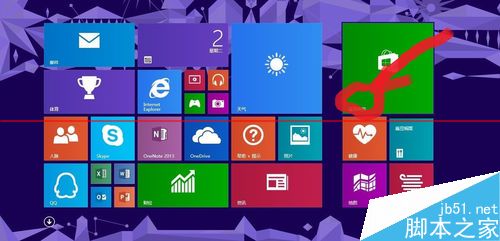
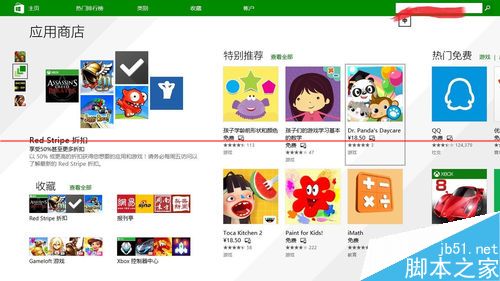
Windows 8/8.1 移除了內建經典休閒遊戲 (掃雷、紙牌、紅心大戰等),但用戶可透過 Microsoft Store 免費重新安裝官方現代化版本。
安裝步驟 (以掃雷為例):
同樣方法可安裝:
注意: 本機帳戶無法使用應用商店,需先切換為線上 Microsoft 帳戶。
Win8/8.1 檔案總管(資源管理器)頻繁停止運作?可靠性監視器與服務檢查完整解決方案
Windows 8 出現 ndis.sys 藍屏死機?病毒、驅動、軟體衝突、硬體多維度排查方案
Win7 DIR 指令完整圖文教學:列出資料夾所有檔案與隱藏檔
Windows XP 工作列變雙層怎麼辦?三步驟快速還原單列顯示
Win8 QQ 彈出訊息導致播放器音量變小?設定「不執行任何動作」解決
Windows 7 隱藏硬碟分區教學:透過群組原則防止誤刪系統檔案
Win7 x86 更新出現 80072EE2 錯誤?安裝 KB947821 (x86) 大型服務堆疊更新即可解決
Windows 8 如何以其他使用者身分執行程式?Shift+右鍵即可呼叫選單