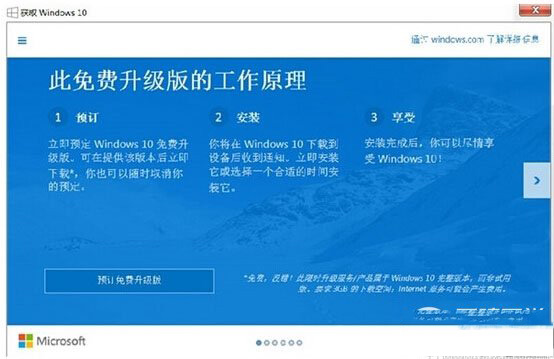
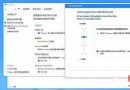
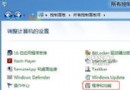
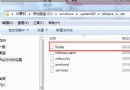
升級提示由 KB3035583 補丁推送,另有一 GWX.exe 升級助手常駐 C:\Windows\System32\GWX。徹底移除步驟:
KB3035583
GWX.exe
C:\Windows\System32\GWX
KB3035583 在 Win7 SP1/Win8.1 啟用額外的 Windows Update 通知通道。移除補丁即切斷推送來源;隱藏更新防止自動重裝。
Win10 裝機版與專業版差異詳解:哪個更適合您?
Win10 免費升級完整 QA:資格條件、費用、相容性、回復舊版、語言變更、32/64 位元轉換全解析
Windows 10 Mobile 週年更新 14393.67 開始推送至電信商客製機型
Win10 TH2 累積更新 KB3116908 安裝失敗怎麼辦?刪除下載緩存重試或專業版關閉自動更新
Win7 資源管理器假死、卡頓兩大主因與解法:硬碟關機時間與縮圖快取
Win 10 開機提示帳號密碼錯誤並出現雙重帳號?修改組策略恢復自動登入
Win10 是否需要安裝 Intel RST (Rapid Storage Technology)?實測 SSD/RAID 效能差異分析
Win8 筆電螢幕亮度調節四大法:系統托盤、行動中心、Charms 列、Fn 快捷鍵