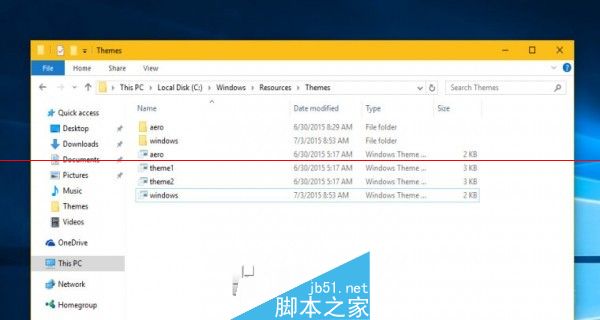
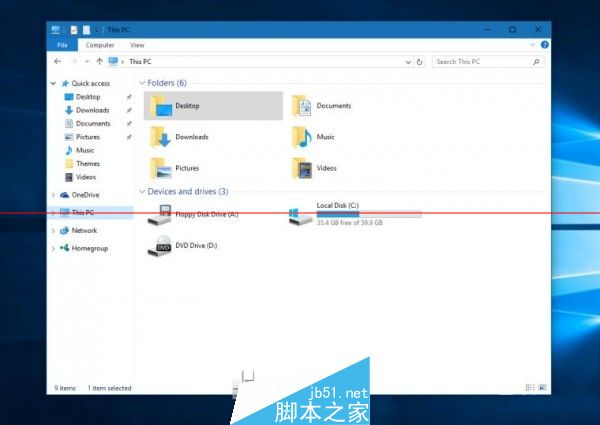
Win10 測試版期間標題列固定白色未開放自訂,但可透過替換系統主題資源檔實現標題列跟隨主題色彩變化。
C:\Windows\Resources\Themes
windows
注意:此為非官方修改,可能存在相容性風險,強迫症用戶建議等待官方正式支援。微軟尚未回應此功能是否會在正式版內建。
Win10 計算機在哪裡?三種快速開啟方式:開始選單、Win+R 執行 Calc、搜尋關鍵字
Win10 QQ 截圖屏幕局部自動放大?兩種方案徹底解決 DPI 縮放衝突
Win10 開機黑屏怎麼辦?三大常見情況完整修復教學
Win8 調整滑鼠游標移動速度,控制台「滑鼠」屬性一鍵搞定
Windows 7 透過群組原則停用 Aero Shake 搖動最小化功能
Win10 Mobile 10572 隱藏新功能:應用程式商店下載進度條回歸,列表中即時顯示進度
Win8 忘記本地密碼不重裝解法:重置電腦恢復出廠狀態
小型平板運行 Win10 消費者版現場上手:桌面版移植平板、觸控優化、Continuum 雙模式