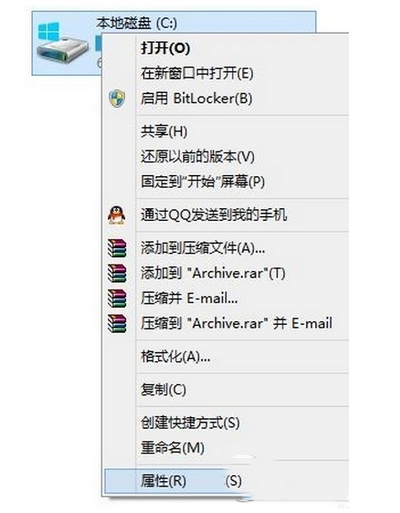
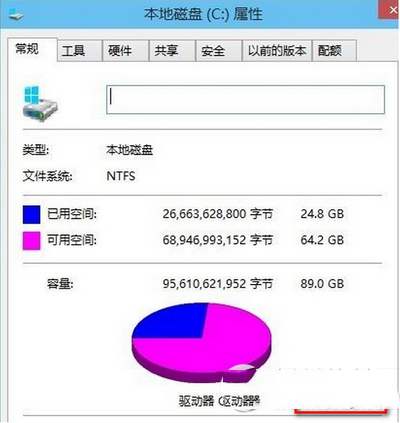
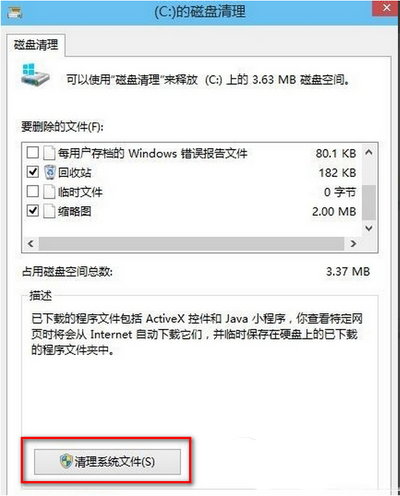
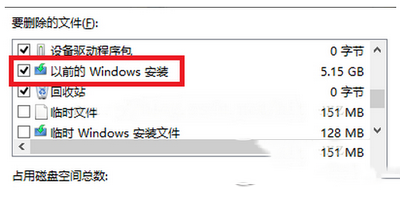
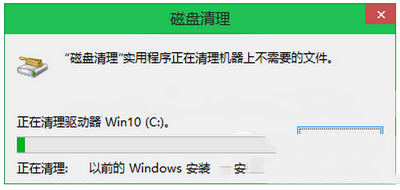
安裝 Win 10 後發現佔用大量空間的 windows.old 資料夾如何刪除?系統自動功能即可清理:
windows.old 消失或變 0KB。Win10 家庭版終於可關閉商店應用程式自動更新!KB3081448 更新後開關解鎖
微軟重新釋出 Win7 補丁 KB2952664:不含 Win10 升級模組,僅改進更新服務
Win10 Build 9860 新增 Battery Saver 省電模式,可手動或自動限制背景活動延長續航
Windows 7 開啟 IE 瀏覽器自動彈出兩個首頁?兩種情況解決方案
快速解決 Windows Update 錯誤碼 80070003
Win10 Mobile 10536 升級截圖曝光,版本號 10.0.10536.1003,主打穩定與效能優化