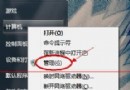
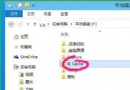
Windows 10 設定指定帳戶開機自動登入步驟:
netplwiz 確定(或用 CMD 執行同指令)。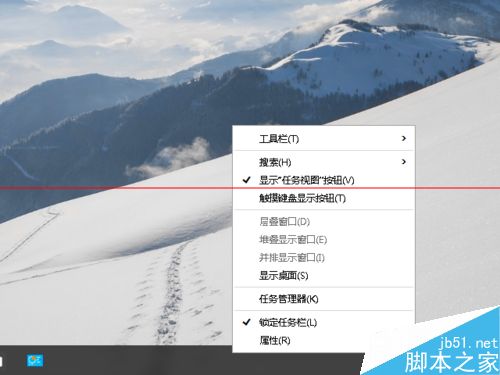
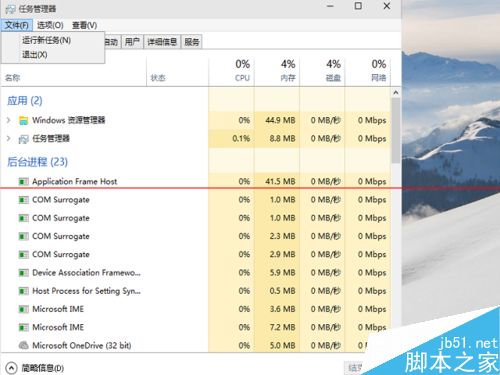
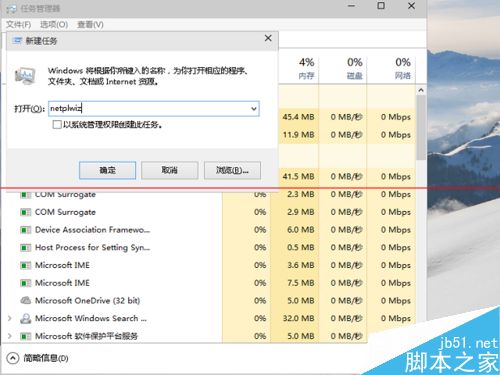
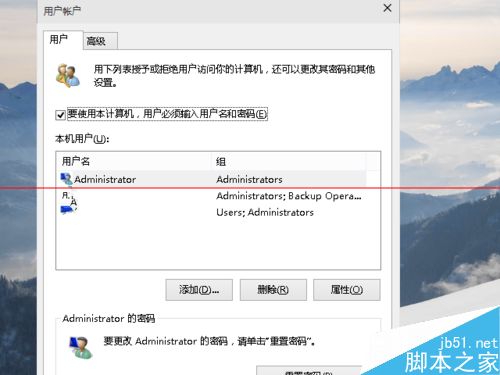
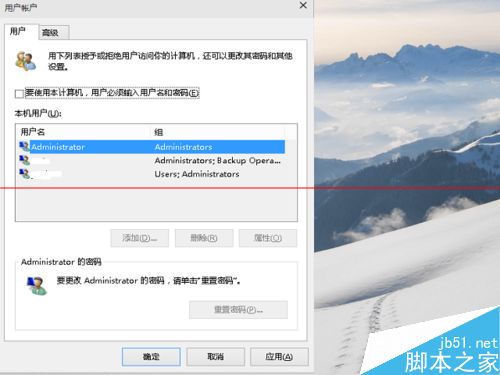
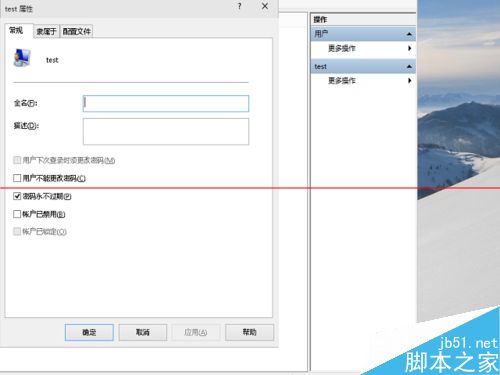
注意: 多帳戶環境下,鎖定/待機喚醒仍需密碼,可考慮停用其他本機帳戶避免干擾。
Win10自動更換桌面壁紙設置教程:幻燈片模式、自定義間隔、隨機播放全配置
Win10 虛擬私人網路 (VPN) 連不上?正確設定與常見錯誤完整排除指南
Windows 10 Insider 預覽體驗計畫 2016 年 1 月將釋出多個預覽版,推送頻率大幅提升
Windows 10 累積更新 KB3081424 導致無限重啟 Bug:強制自動更新策略引發爭議
Windows 10 技術預覽版開機黑屏 30 秒至 1 分鐘解決方案:關閉快速啟動與還原啟動項
微軟態度強硬:Windows 10 家庭版強制自動更新無法關閉
Win10 Build 10056 內建 Shazam 風格歌曲辨識功能:Cortana 整合音訊指紋辨識無需第三方 App