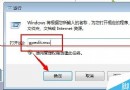
Windows 10 正式版釋出後,部分用戶因不適應或遇到相容性問題想退回舊系統。微軟提供簡單還原功能,但有時間限制與關鍵前提條件。
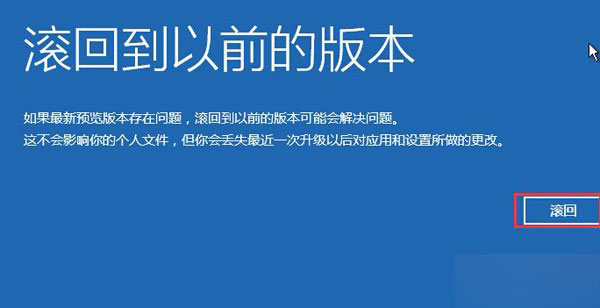
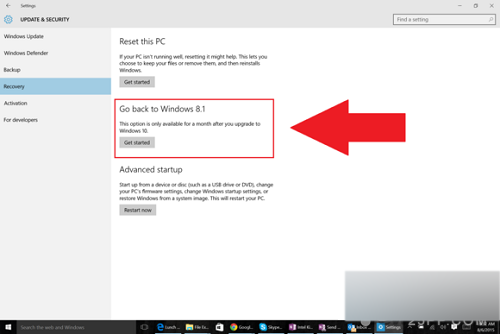
還原完成後若發現檔案遺失,可從備份恢復。若因還原導致系統無法開機,需使用復原媒體或 USB 重裝系統。
Windows 10 Build 10240 多國語言包下載(含 111 種語言)
Win10 Build 9879 啟用 Surface 風格開始畫面(Continuum),登錄表修改法
微軟公布各國 Windows 10 必備應用名單:美國推薦 Facebook、Flipboard、Hulu;中國精選 QQ、愛奇藝、微博、QQ 音樂等 28 款
Win10 UEFI 主機板無法識別 USB 開機碟?BIOS 關閉 Secure Boot、啟用 Launch CSM 相容模組解決
Win10 IE11 無法相容網銀?關閉 SmartScreen/增強保護模式 + 加入相容性檢視即可登入
Win7 安裝英文語言包圖解:官方 MUI 下載、安裝、切換顯示語言完整流程