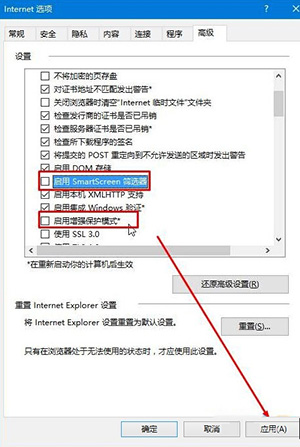
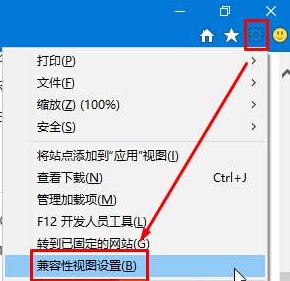
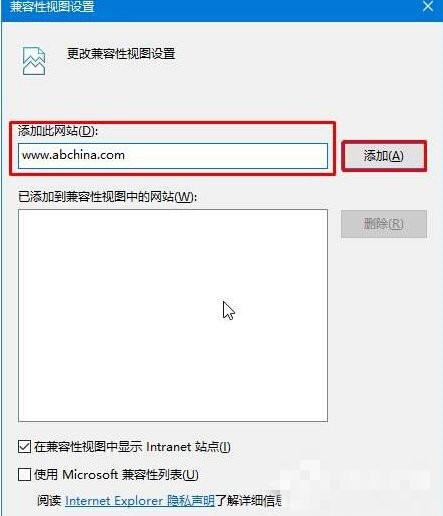
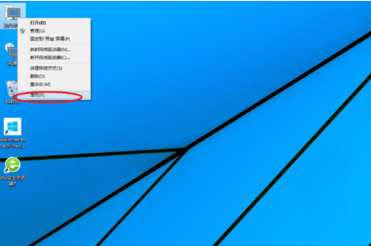
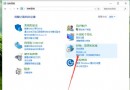
Win10 IE11 登入網銀失敗,多因安全機制攔截。關閉 SmartScreen 篩選器 與 增強保護模式,並將網銀網址加入 相容性檢視,即可正常使用。
此法同樣適用於其他舊版網銀/企業入口網站相容性問題。
Win10 輸入法設定與切換完整教學
Win10 滑鼠亂動、不受控制?關閉 TPM 維護任務一招解決
Win7 系統設定開機提示與問候語:透過本機群組原則自訂歡迎訊息
Win10 Build 11102 更新詳解:Edge 歷史快取新增,核心底層 1200+ 處改進
如何將 Win8 系統時間改為 24 小時制?
Windows 8.1 取消桌面圖示自動排列與對齊網格,自由擺放檔案與捷徑
解決 Windows 7 Windows Update 錯誤 80070005:權限重置腳本修復法
Win10 鎖定螢幕顯示黑屏?兩種解決方案恢復背景圖片